

Roo Code hit 3 million installs. Now the trail leads on.
Roo Code shaped how developers use AI agents in their editors. The team is archiving the repo on May 15 to go all-in on Roomote. Three million developers need a new home, and your kangaroo knows the way.
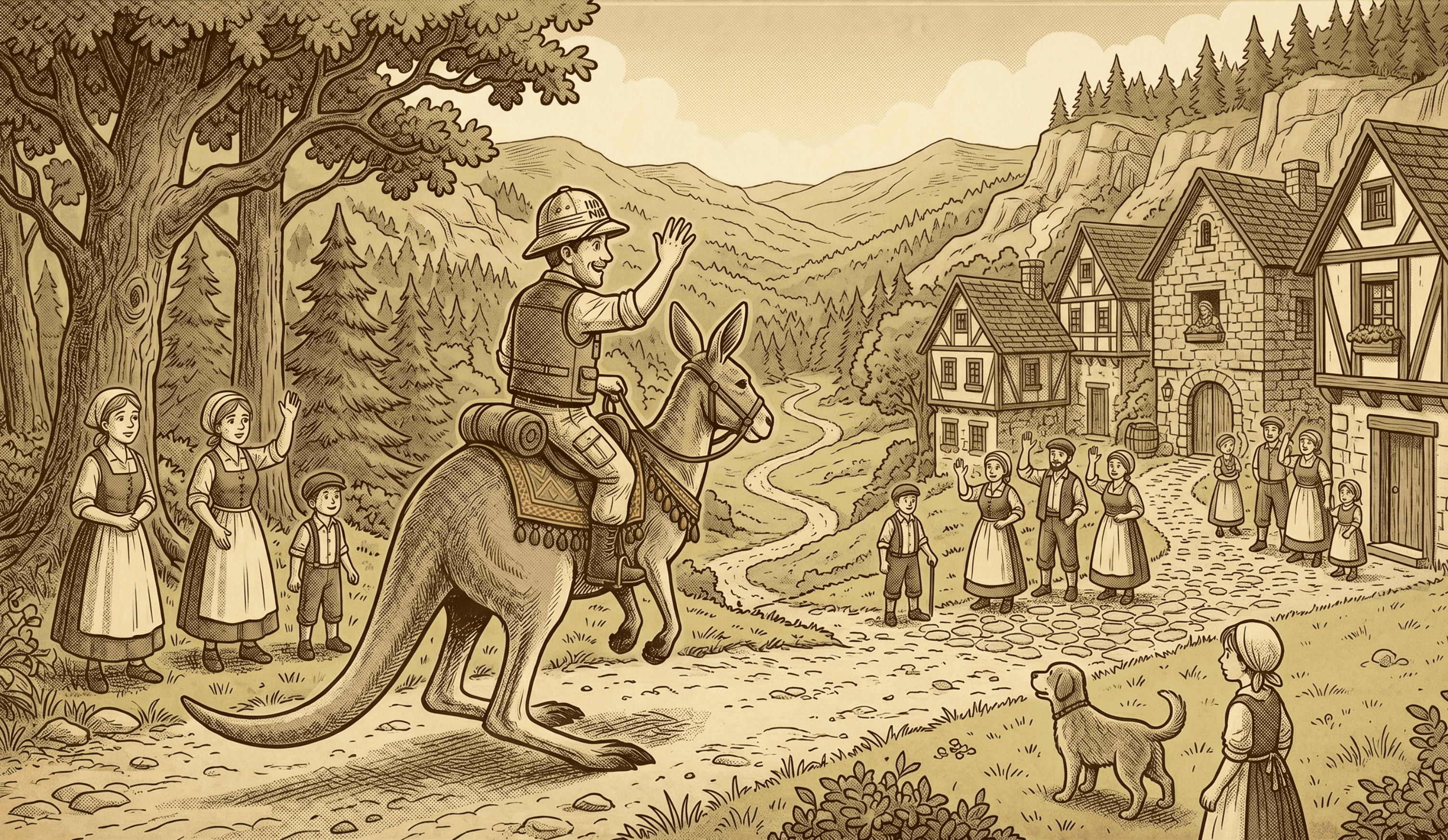
Before you hit the trail, pack what matters.
Back up your Roo config so nothing gets left behind — custom modes, MCP servers, project rules, all of it.
# macOS
cp -R "$HOME/Library/Application Support/Code/User/globalStorage/rooveterinaryinc.roo-cline" \
      "$HOME/roo-backup-$(date +%Y%m%d)"
Every Roo file has a Kilo equivalent.
Your .roorules become AGENTS.md. Your .roomodes become .kilocodemodes. Your MCP config slots right in. The river looks wide, but the stones are mapped out.
mv .roorules AGENTS.md
[ -f .roomodes ] && cp .roomodes .kilocodemodes
[ -f .roo/mcp.json ] && mkdir -p .kilocode && cp .roo/mcp.json .kilocode/mcp.json
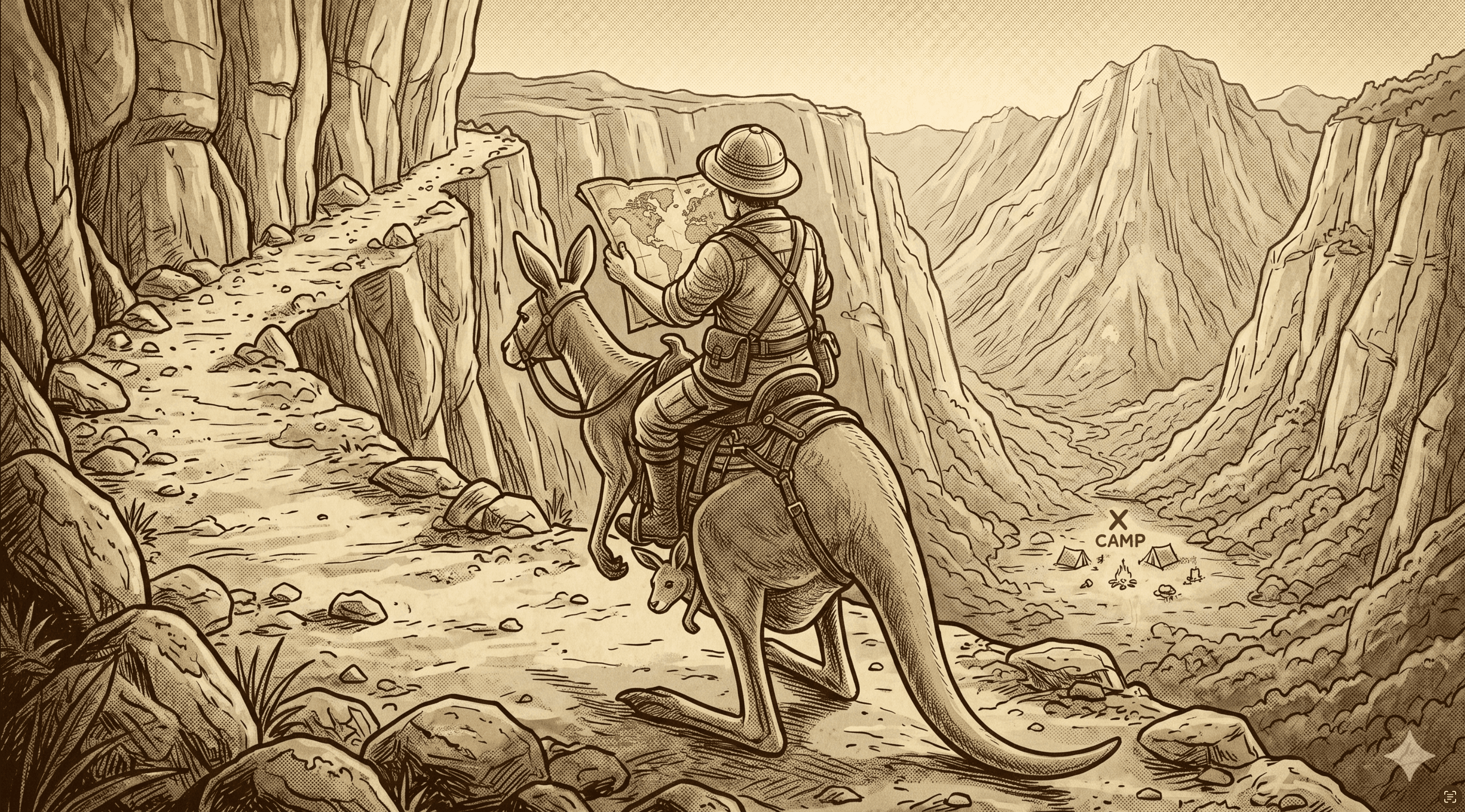
One command and you're in.
The Kilo extension installs from the VS Code Marketplace, and a built-in migration wizard auto-converts your legacy config files on first launch.
code --install-extension kilocode.Kilo-Code
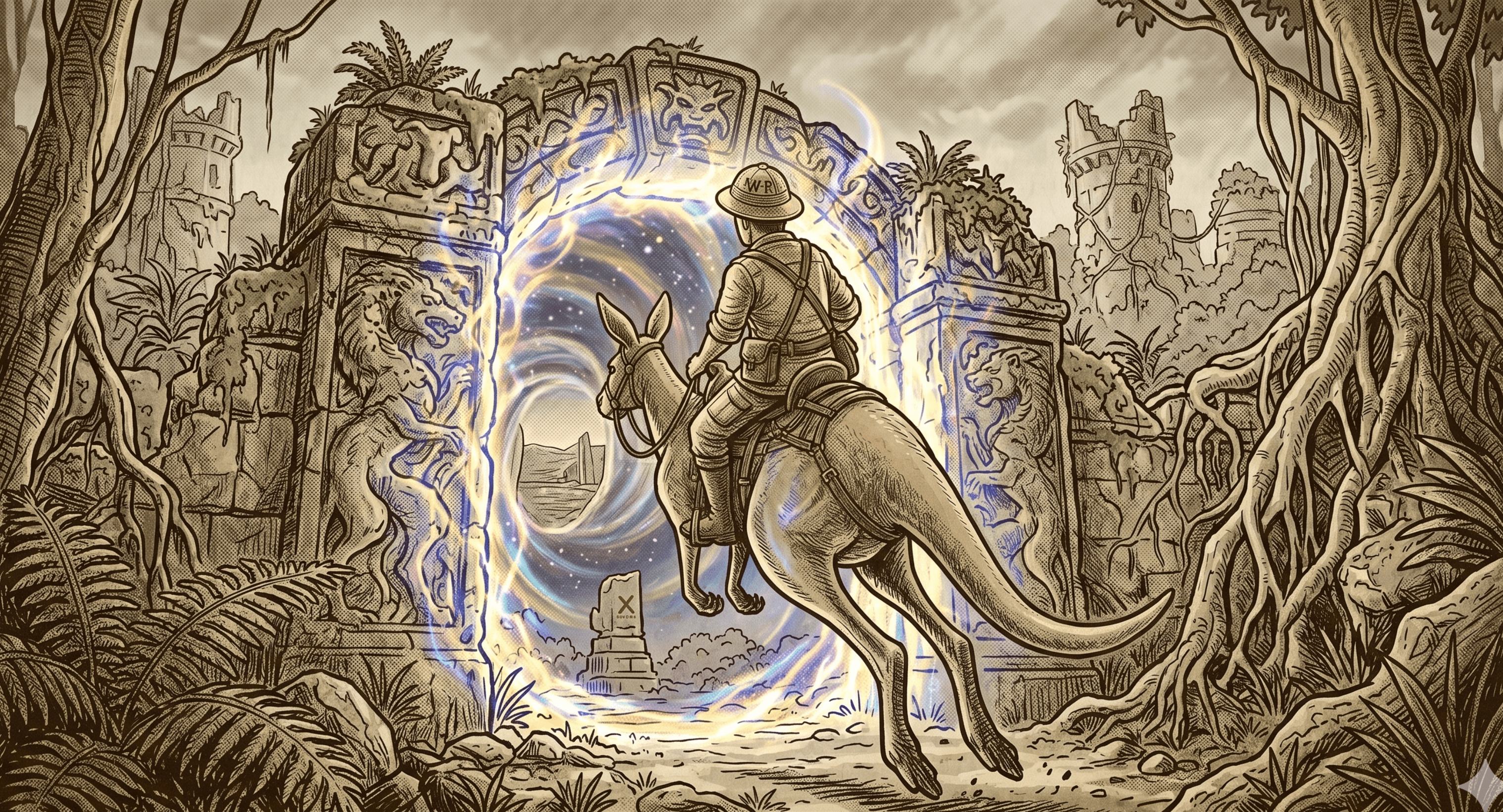
Your new home runs on kilo.jsonc.
One config file shared across VS Code, CLI, and Cloud Agents. Set your model, define permissions with glob patterns, point to your rules, and wire up MCP servers. Run kilo config check and you're solid.
{
  "$schema": "https://app.kilo.ai/config.json",
  "model": "anthropic/claude-sonnet-4.6",
  "permission": {
    "*": "ask",
    "bash": { "git *": "allow", "rm *": "deny" },
    "edit": { ".env*": "deny" }
  }
}
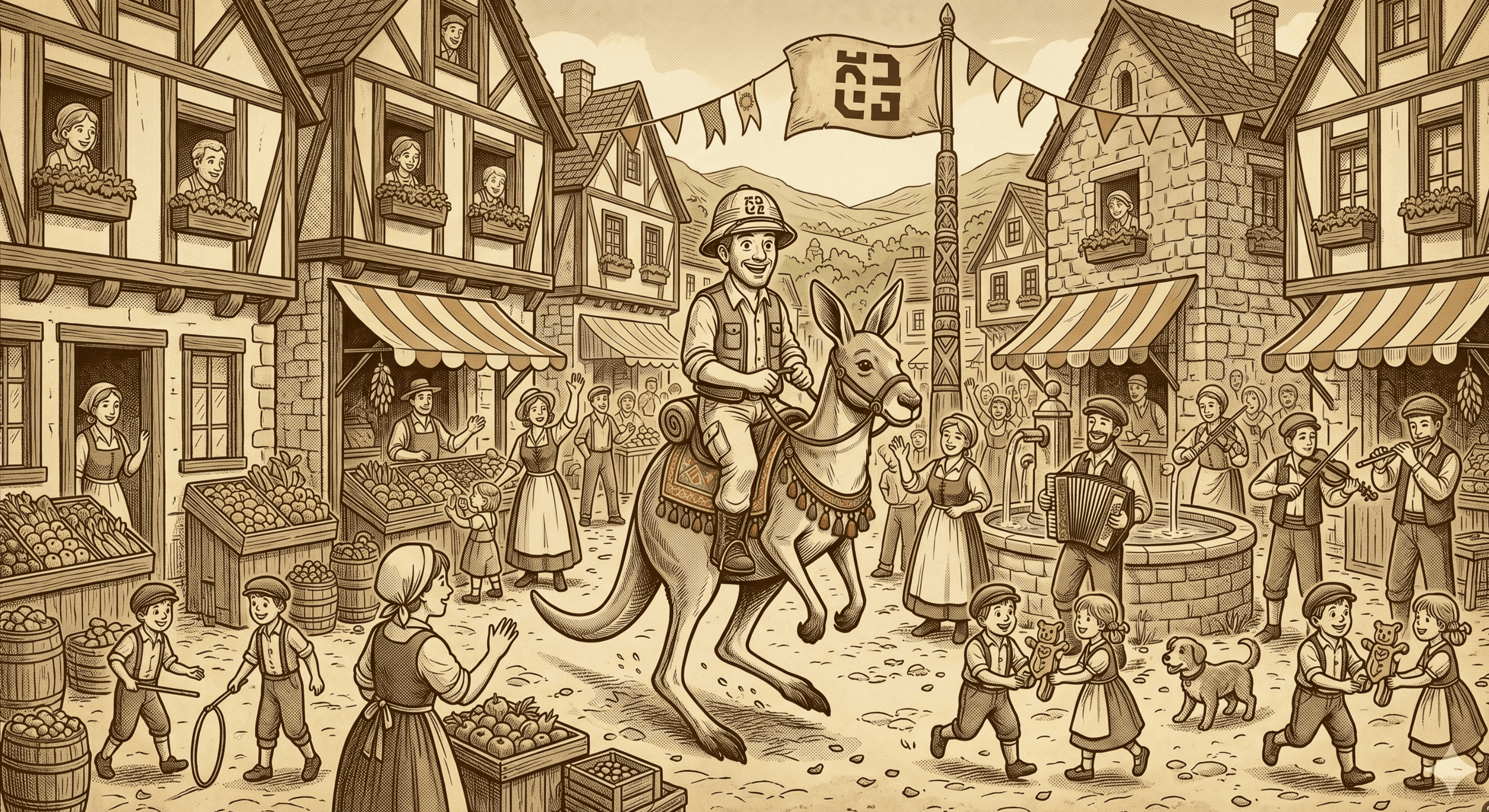
You made it.
Your config is ported, your keys are set, and your kangaroo is settling in. Welcome to Kilo — parallel agents, shared sessions between CLI and VS Code, autocomplete, and 500+ models are all waiting for you.
View the Full Migration Guide →