Kilo for Slack
Kilo for Slack brings Kilo Code directly into your Slack workspace. Ask questions about your repositories, request code implementations, debug issues, and collaborate with your team — all without leaving Slack.
When you mention @Kilo in a thread, the bot:
- Reads the full conversation
- Accesses your connected repositories
- Answers your question or spins up a Cloud Agent to implement the change
- Creates branches, pushes commits, and opens pull requests on your behalf
What You Can Do
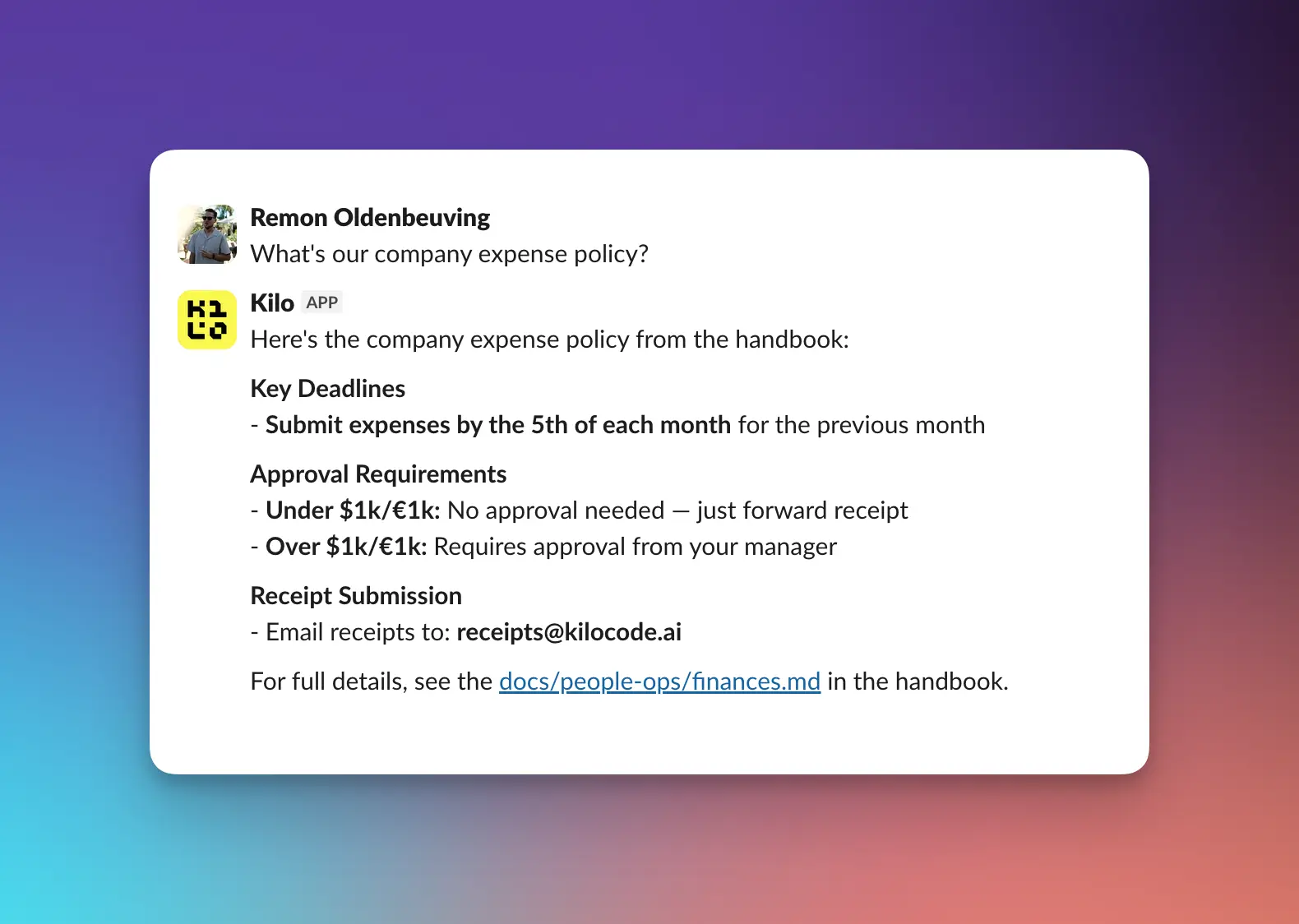
Ask questions about your codebase
@Kilo what does the UserService class do in our main backend repo?
@Kilo how is error handling implemented in the payment processing module?
Implement fixes and features from Slack discussions
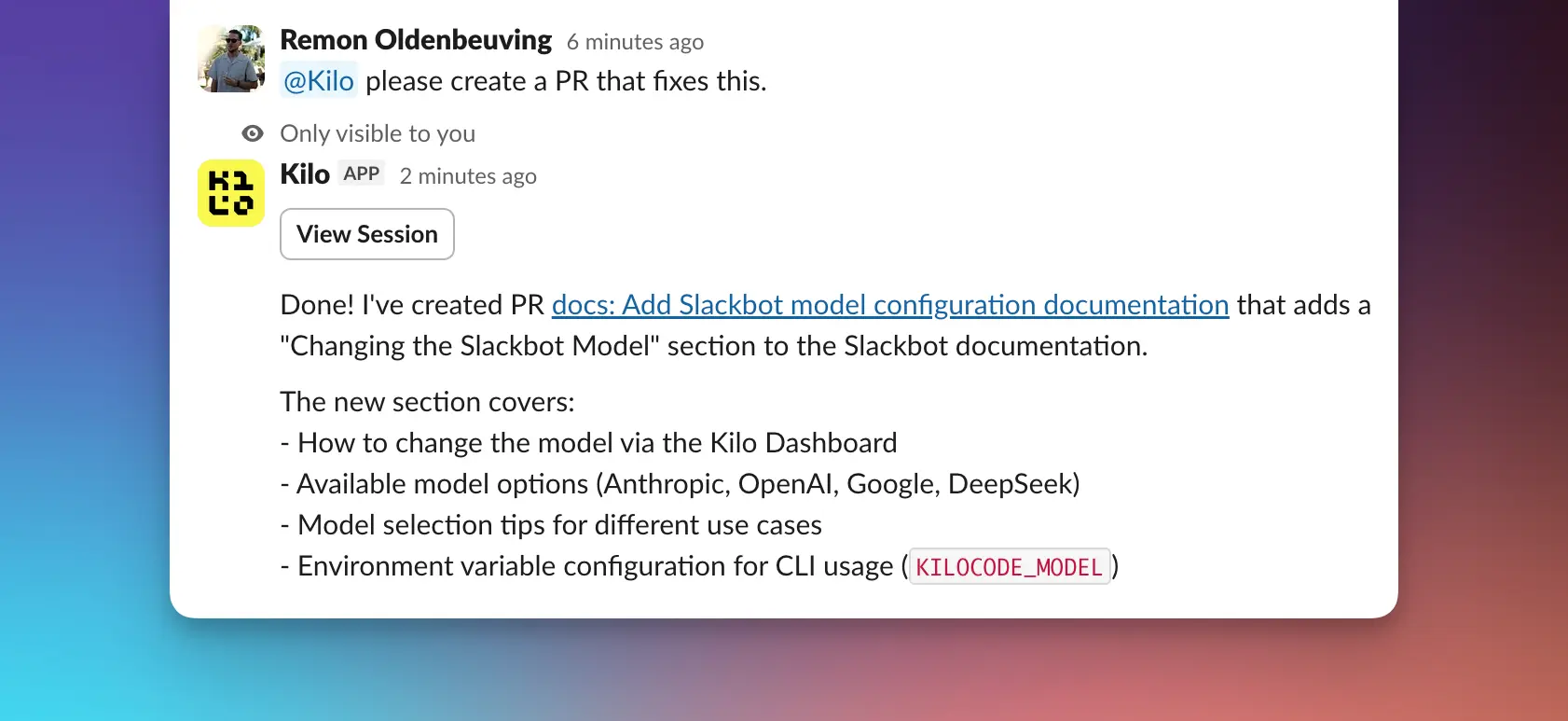
When your team identifies a bug or improvement in a thread, ask the bot to handle it:
@Kilo based on this thread, can you implement the fix for the null pointer exception in the order processing service?
The bot will:
- Read the thread context
- Understand the proposed solution
- Create a branch with the implementation
- Push a pull request to your repository
Implement changes across multiple repositories
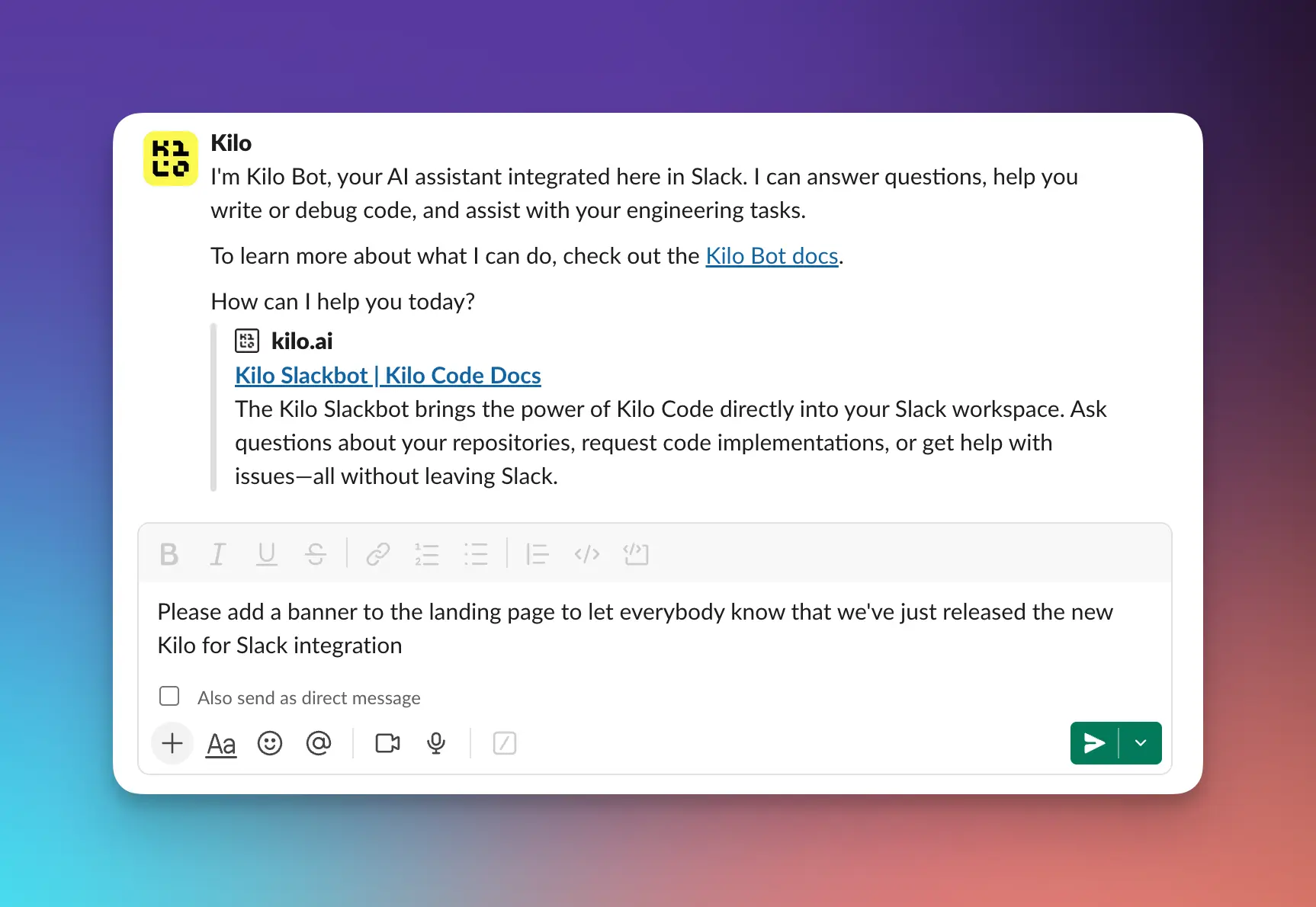
If the same change needs to land in several repos, just tell the bot:
@Kilo please fix this in the cloud, landing, and handbook repos
Debug issues
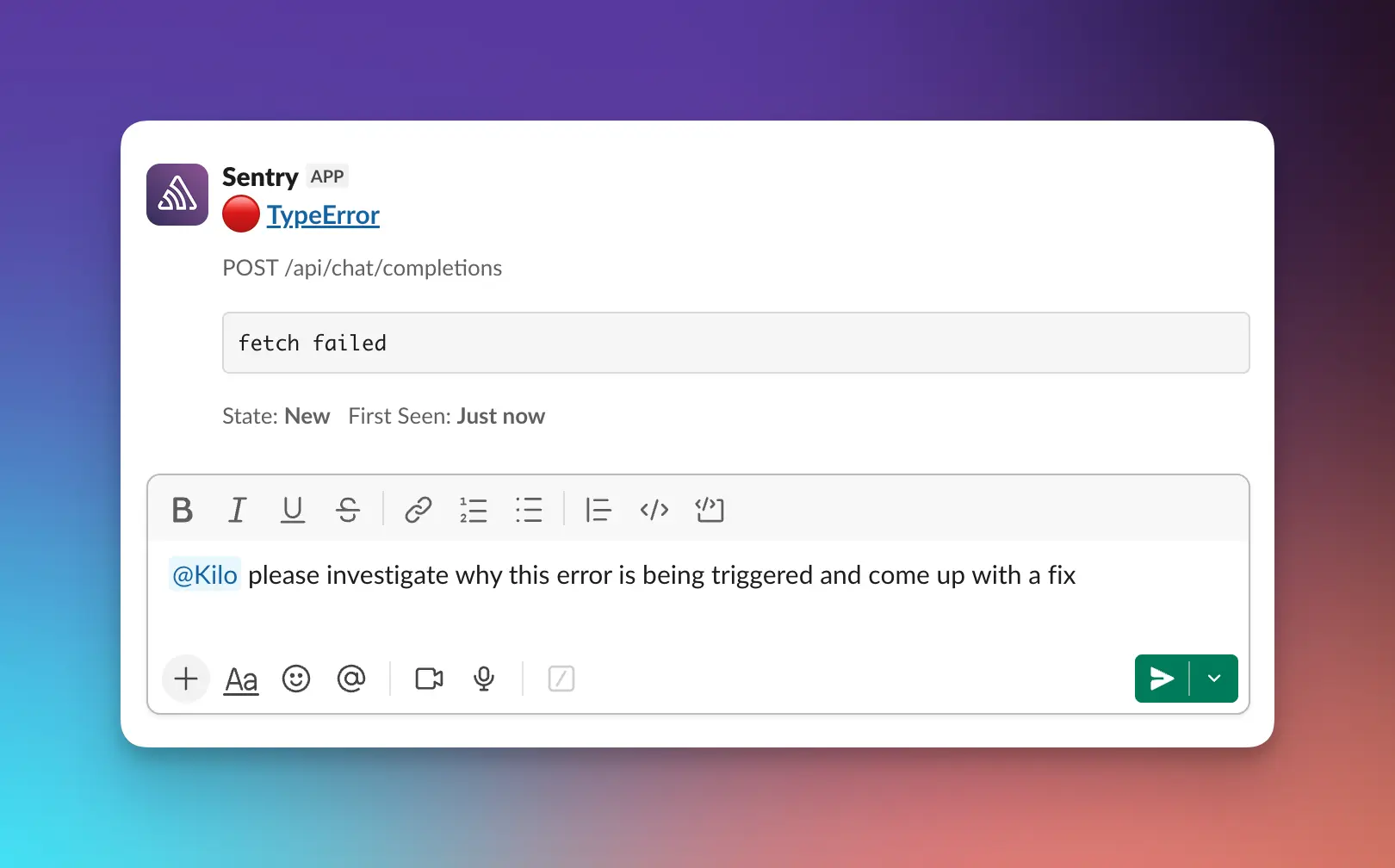
Paste an error message or stack trace and ask for help:
@Kilo I'm seeing this error in production:
[paste error message]
Can you help me understand what's causing it?
How to Interact
Direct Messages
You can DM Kilo directly for private conversations. Find Kilo in your workspace's app list and start a direct message.
Good for:
- Private questions about your code
- Sensitive debugging sessions
- Personal productivity tasks
Channel Mentions
Mention the bot in any channel where it's been added:
@Kilo can you explain how the authentication flow works in our backend?
Good for:
- Team discussions where AI assistance would help
- Collaborative debugging
- Getting quick answers during code reviews
Prerequisites
Before using Kilo for Slack:
- You need a Kilo Code account with available credits
- Your Git provider integration (GitHub or GitLab) must be configured via the Integrations tab at app.kilo.ai so Kilo can access your repositories
Setup
To install Kilo for Slack, go to the Integrations menu in the sidebar at app.kilo.ai and set up the Slack integration:
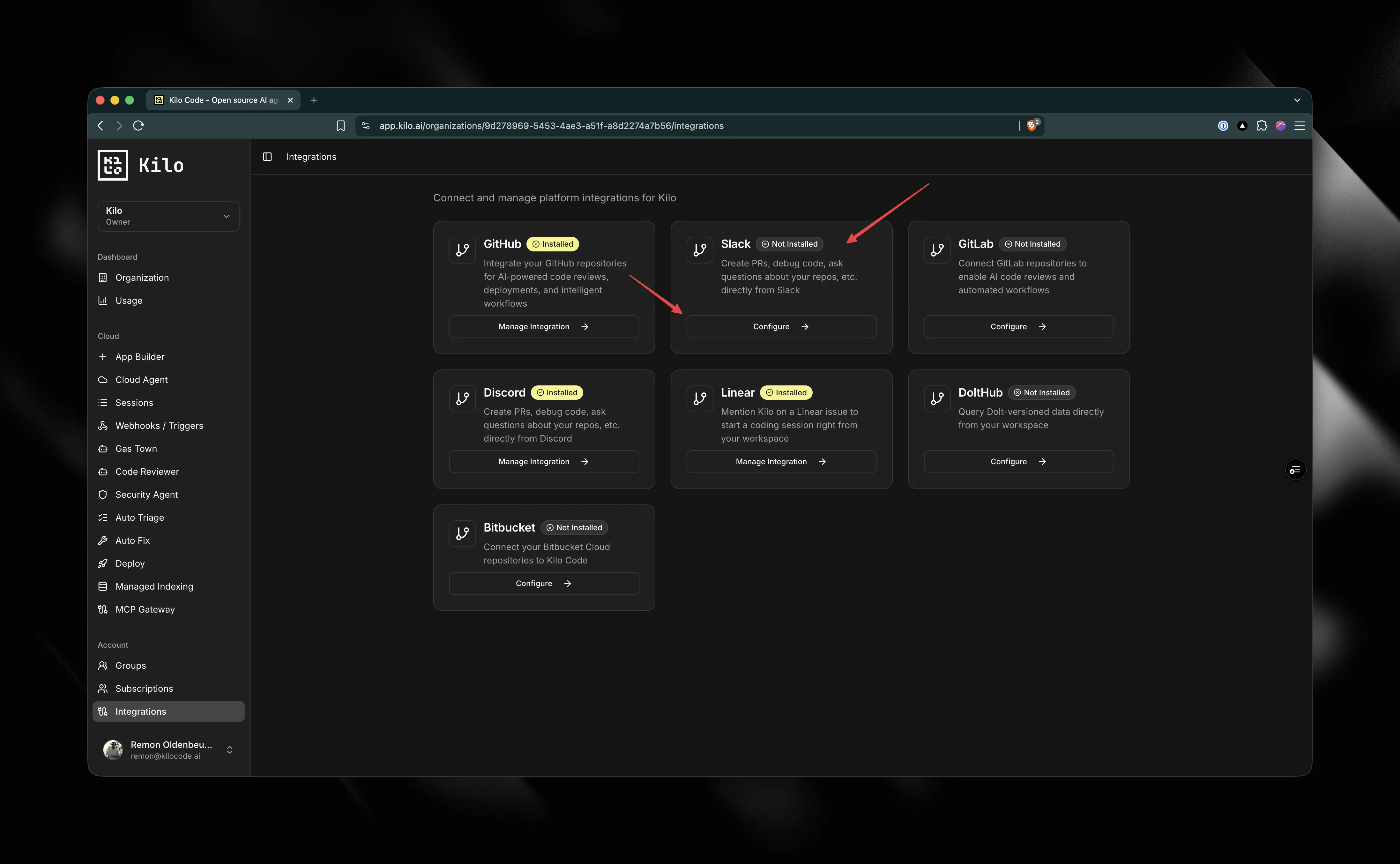
Then hit the Configure button, which will take you to this page:
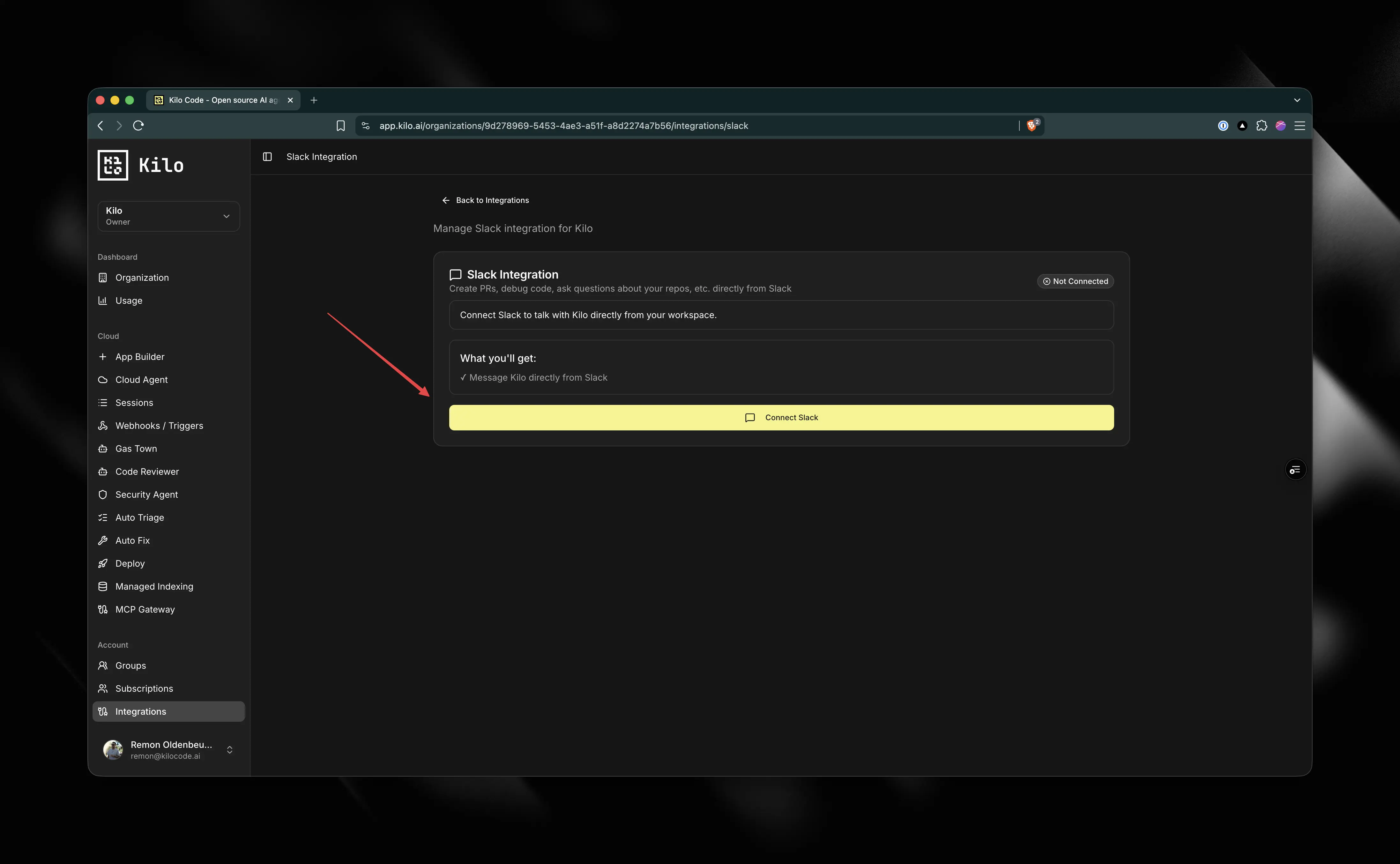
Once you press "Connect with Slack", the Slack OAuth authorization page appears:
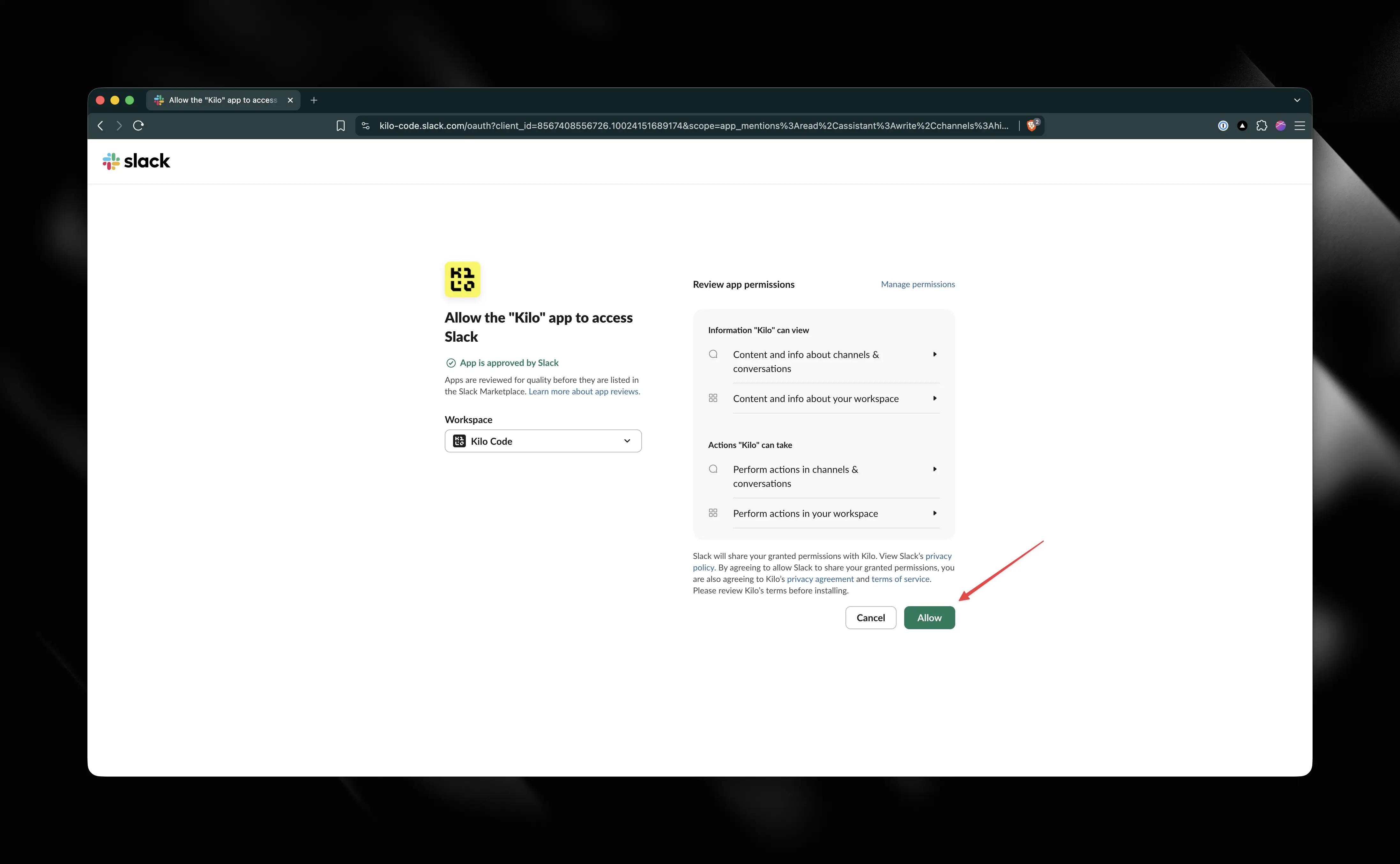
Once this is completed you're good to go!
To make proper use of all of the Kilo Slack bot's capabilities, it's important that you also connect your source control provider with Kilo:
| Platform | Integration Type | Details |
|---|---|---|
| GitHub | GitHub App | GitHub Setup Guide |
| GitLab | OAuth or PAT | GitLab Setup Guide |
How It Works
- Message Kilo through a DM or channel mention
- Kilo processes your request using your connected repositories for context
- AI generates a response analyzing your request and providing an answer
- Code changes (if requested) — Kilo creates a branch, commits the changes, and opens a pull or merge request
Changing the Model
You can customize which AI model Kilo uses for generating responses.
- Go to your Kilo Workspace at app.kilo.ai
- Navigate to Integrations > Slack
- Select your preferred model
Kilo for Slack supports 400+ models across different providers. The new model applies immediately to subsequent requests.
Cost
Kilo Code credits are used when Kilo performs work (model usage, operations, etc.). Credit usage is the same as using Kilo through any other interface.
Tips for Best Results
- Be specific. The more context you provide, the better the response.
- Reference specific files or functions. Help the bot understand exactly what you're asking about.
- Use threads. Keep related conversations in threads for better context.
- Specify the repository. If you have multiple repos connected, mention which one you're asking about.
Troubleshooting
Kilo isn't responding. Make sure Kilo for Slack is installed in your workspace and has been added to the channel you're using.
Kilo can't access my repository. Verify your Git provider integration is configured correctly in the Integrations tab.
I'm getting incomplete responses. Try breaking your request into smaller, more specific questions.
Kilo doesn't understand my codebase. Confirm that the repository you're asking about is connected and accessible through your Git provider integration.