
There's a lot to love about Cursor: smooth autocomplete, polished UX, and swift onboarding. It's also proprietary, routes your code through its own infrastructure, and hands you a bill that scales with your team. For individual developers, these may not be dealbreakers, but for engineering leaders trying to manage compliance requirements or simply avoid another vendor dependency, it gets complicated fast.
Then SpaceX struck a deal to acquire Cursor for as much as $60 billion, folding the editor most teams standardized on into Elon Musk's xAI. For anyone already wary of routing proprietary code through someone else's infrastructure, that is exactly the kind of event that turns "we should look at alternatives" into a real plan: the tool you depend on now answers to a single owner whose roadmap and data practices you don't control.
The good news is that these alternatives aren't new. Open-source coding tools have been developing and maturing well before this deal, and they now make up a serious set of options across the full spectrum: VS Code extensions with agentic capabilities, standalone editors and VS Code forks, self-hosted inference servers, and autonomous agent platforms. The quality still varies significantly, and "open source" does not mean the same thing as open-weight model availability, private deployment, auditability, or stability.
Seven alternatives are worth a serious look in 2026. Each is broken down by licensing, telemetry, agent capabilities, MCP support, and maintenance status, with explicit flags wherever the gap between marketing claims and verified behavior is wider than it should be.
Best open-source Cursor alternatives by use case
If you want a Cursor alternative with maximum control, prioritize open-source + BYOK + auditable agent behavior over "magic" UX.
| Use case | Best pick | Why |
|---|---|---|
| Enterprise-ready agentic platform | Kilo Code | VS Code + JetBrains + CLI, 500+ models, 60+ providers, fully documented SSO/audit log/model restriction tiers, MCP first-class |
| VS Code-only agent | Cline | 60k+ GitHub stars, explicit permission gating on every action |
| Teams standardizing agent behavior as code | Continue | YAML-defined agents, declarative config ideal for policy-as-code workflows |
| Large autonomous tasks | OpenHands | Full autonomous platform for code + terminal + browser |
| Self-hosted / air-gapped deployments | Kilo Code | Autonomous agents on locally hosted models, self-hostable gateway, telemetry off |
| Single-purpose completion server | Tabby | Self-hostable, completion-only server alternative |
| Standalone editor (non-VS Code) | Zed | GPL-3.0, GPU-accelerated, disable AI globally |
| Approach with caution | PearAI | License ambiguity, bundled dependencies |
How we evaluated open-source Cursor alternatives
We evaluated tools across six dimensions, based on the information in the projects' GitHub repositories, official documentation, and privacy/terms pages.
Pricing transparency and enterprise readiness
We looked at whether pricing is publicly documented, whether there are team or enterprise tiers, and which enterprise features (SSO, audit logs, SCIM/OIDC provisioning, centralized billing, model restrictions) are available and at what tier. Where pricing or enterprise details aren't publicly available, we flag it rather than assume. We also folded maintenance and project health into this assessment: a tool that's paused, under-resourced, or carrying unresolved licensing conflicts introduces compounding risk that's directly relevant to enterprise adoption decisions.
License and compliance posture
"Open source" can mean a lot of things. An Apache-2.0 VS Code extension is meaningfully different from a GPL-3.0 standalone editor or a project with an enterprise-licensed ee/ directory. We looked at license type, whether it's consistently stated across the repo and README, and any contractual language in Terms of Service that governs how your code and prompts are handled when they transit the vendor's service.
Telemetry and data routing
We distinguished between two data concerns: extension telemetry (crash reports, feature usage analytics) and code/prompt routing (whether prompts travel through vendor-controlled infrastructure before reaching the LLM). The former is a privacy preference; the latter is a compliance and security question. We noted whether telemetry defaults to opt-in or opt-out, and whether "direct to provider" claims are verifiable.
Agent capabilities
To be a Cursor alternative in any meaningful sense, an AI coding assistant should do more than autocomplete. We evaluated which tools support agentic workflows: terminal command execution, file creation and editing, browser automation, and multi-step task completion. We also noted how each tool handles approval and permission gating.
MCP support
Model Context Protocol support lets agents connect to external tools and systems: databases, ticketing systems, CI pipelines. We verified whether each tool can act as an MCP client (connect to MCP servers, invoke tools and resources) in a documented way, not just whether it's mentioned somewhere in the marketing.
Model freedom with BYOK
The ability to bring your own API keys — and swap providers freely — is one of the primary reasons engineering teams move away from proprietary tools. We looked at provider breadth (how many are explicitly documented), access to current open-source AI model rankings, local model support for coding (Ollama, LM Studio, vLLM), and whether the tool requires a vendor account to get started or to access core functionality. A tool that routes through its own inference layer by default is meaningfully different from one that connects directly to your chosen provider from the first request.
Quick comparison
| Tool | License | IDE Support | BYOK | Local Models | MCP | Agent Capabilities | Telemetry | Pricing and Enterprise |
|---|---|---|---|---|---|---|---|---|
| Kilo Code | MIT | VS Code, JetBrains, CLI | Yes (500+ models, 60+ providers) | Ollama, LM Studio | Yes (documented) | Terminal, browser | Opt-out; UI issues reported | Free (BYOK); Teams $15/user/mo; Enterprise $150/user/mo (SSO, OIDC, SCIM, audit logs, model restrictions) |
| Cline | Apache-2.0 | VS Code extension; JetBrains (enterprise gating unclear) | Yes | Not confirmed | Yes | File edits, terminal, browser | Optional, opt-out | Free extension; Teams tier (SSO, RBAC, analytics); pricing not public |
| Continue | Apache-2.0 | VS Code, JetBrains, CLI | Yes (OpenAI, Anthropic, Azure, etc.) | Ollama, LM Studio | Yes (documented, YAML config) | Terminal, file create/edit | PostHog, opt-out | Free tier; from $10/user/mo; Enterprise (custom) — SAML/OIDC SSO, on-prem data plane |
| OpenHands | MIT (core) | CLI, local GUI, SDK | Yes (Claude, GPT, any LLM) | Not confirmed | Yes (documented) | Autonomous: code, terminal, browser | Not documented | Free to self-host; Enterprise: contact sales (SSO/audit logs unconfirmed) |
| Tabby | Mixed (OSS core, enterprise ee/) | Server and editor plugins | Self-hosted models | Yes (on-prem) | Yes (Pochi) | Pochi: file edits, terminal, MCP, parallel agents | Server health stats only; opt-out via env var | Free (5 users); Team $19/user/mo; Enterprise (custom) — SSO and audit logs in enterprise tier |
| Zed | GPL-3.0 | Standalone editor (macOS/Linux/Windows) | Yes (multiple providers) | Ollama | Yes (documented) | Agent Panel, Agentic Editing | Crash reports and usage metrics, both opt-out; no code collected | Free (editor only); Pro (hosted AI, $5/mo credit, +10% token markup); Enterprise: contact sales (SSO/audit logs unconfirmed) |
| PearAI | MIT (displayed) / Apache-2.0 (claimed) | Standalone VS Code fork | Via bundled Continue/Roo forks | Likely via underlying agents | Not verified | Via Roo integration | Axiom telemetry (explicit) | No documented pricing or enterprise features |
Kilo Code stands out for breadth: multi-platform support, the largest documented provider matrix, and first-class MCP documentation. Continue is the strongest option for teams that prioritize configuration portability and reproducibility. PearAI carries the most caveats; see the in-depth review below.
In-depth reviews
Kilo Code (best enterprise-ready agentic platform)
Best for
- Teams that need multi-IDE support (particularly VS Code + JetBrains) and want a large provider matrix with documented local inference options.
- Organizations that want MCP extensibility without building the integration themselves.
- Teams adopting an open-source BYOK model to sidestep the lock-in, price increases, and slower frontier-model access that tend to follow when a proprietary tool changes hands.
Overview
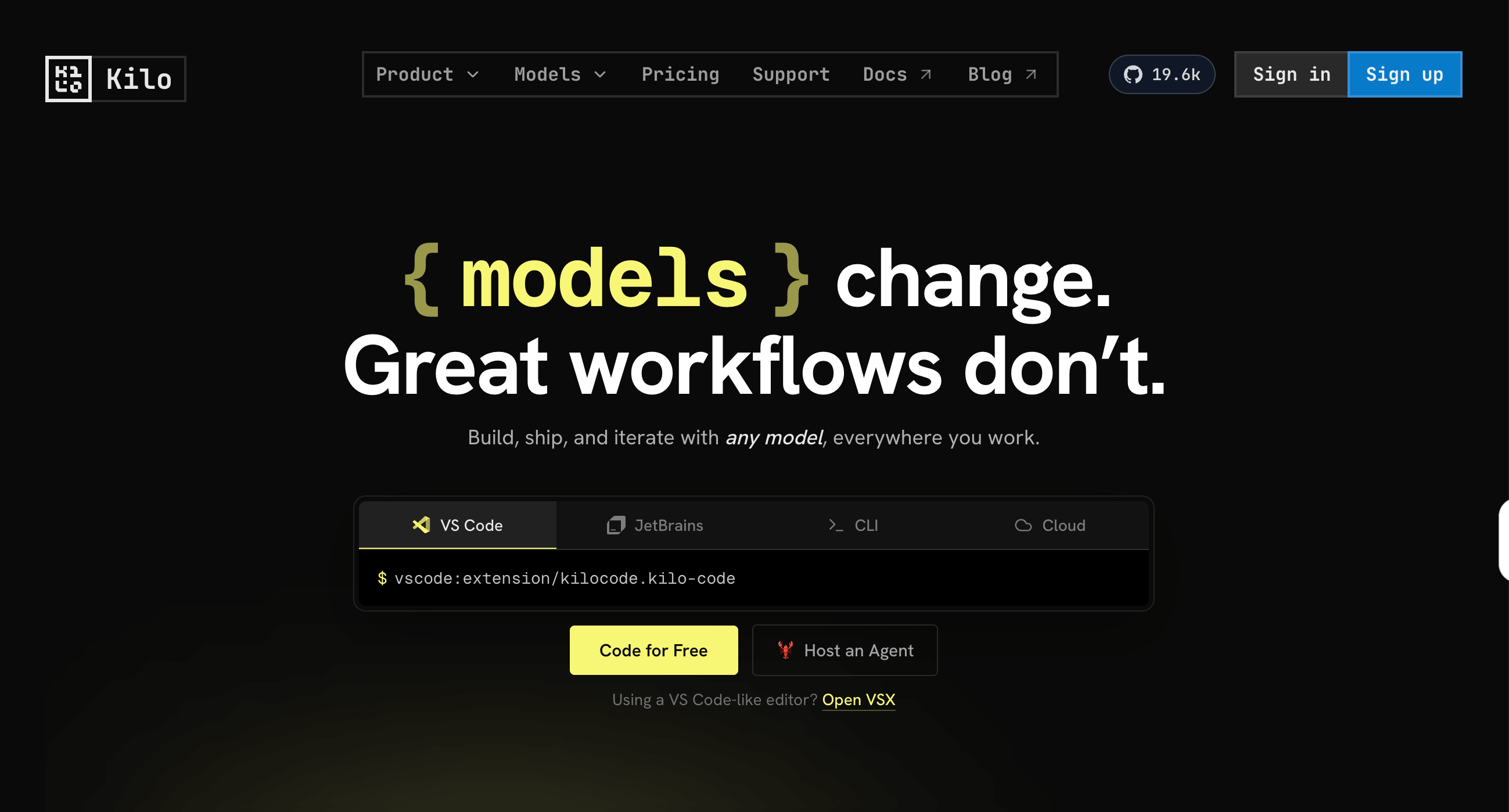
Kilo Code is positioned as an "all-in-one agentic engineering platform". It's a VS Code extension, JetBrains plugin, and CLI, with all three treated as first-class agentic coding surfaces from a single platform rather than a main editor with thinner ports. The GitHub repository has 19.5k stars, is frequently updated, and has its VS Code extension, JetBrains plugin, and CLI under the MIT license.
Key differentiators
- The documentation explicitly lists 500+ models from 60+ providers, with Ollama and LM Studio supported for local model inference — unusually broad coverage for an open-source agent.
- MCP is treated as a first-class feature: the docs include a dedicated MCP overview and usage guides, not just a mention in a changelog.
- Agent capabilities cover terminal command execution and browser automation.
- Beyond agentic execution, Kilo Code also ships inline autocomplete, so a single extension can route fast inline edits to a low-latency model, hand architectural work to a frontier reasoning model, and run cross-file refactors as agentic tasks — all on your own API keys rather than across three separate tools.
- Because the extension is open source under the MIT license, a security team can audit the exact sandboxing and permission model directly instead of taking vendor documentation on trust.
- For JetBrains users especially, Kilo Code and Continue are the only two of the seven with official multi-IDE support.
Pricing and enterprise readiness
Kilo Code has publicly documented pricing across three tiers. The core extension is free and open-source with BYOK. The Teams plan is $15/user/month and adds centralized billing, usage analytics, shared BYOK, team management, and data privacy controls. The Enterprise plan is $150/user/month and adds SSO, OIDC, and SCIM support, audit logs, model and provider restrictions, a shared private gateway, SLA commitments, and dedicated support. Pricing is zero-markup on AI inference costs — you pay provider rates directly. This is among the most fully documented enterprise feature sets of any open-source Cursor alternative.
Limitations
- Telemetry controls have shown some inconsistency: a GitHub issue reports that the UI checkbox for "Allow error and usage reporting" disappeared in v5.6.0.
- On the contractual side, Kilo's Terms of Service include a license grant to use uploaded "Customer Data" to provide and improve the service (fairly standard SaaS language, but worth your legal team reviewing if you're evaluating for enterprise use.)
Not recommended for: Teams that want a fully turnkey setup with no key management, since BYOK means you run your own provider keys and rate limits. Also worth a legal review for organizations with strict requirements around the SaaS data usage grants in vendor terms.
Cline (best VS Code-only agent)
Best for
- Senior engineers who want a powerful, IDE-native agent with an explicit audit trail of every action.
- Sensitive codebases where "the agent did something I didn't expect" is not an acceptable outcome.
Overview
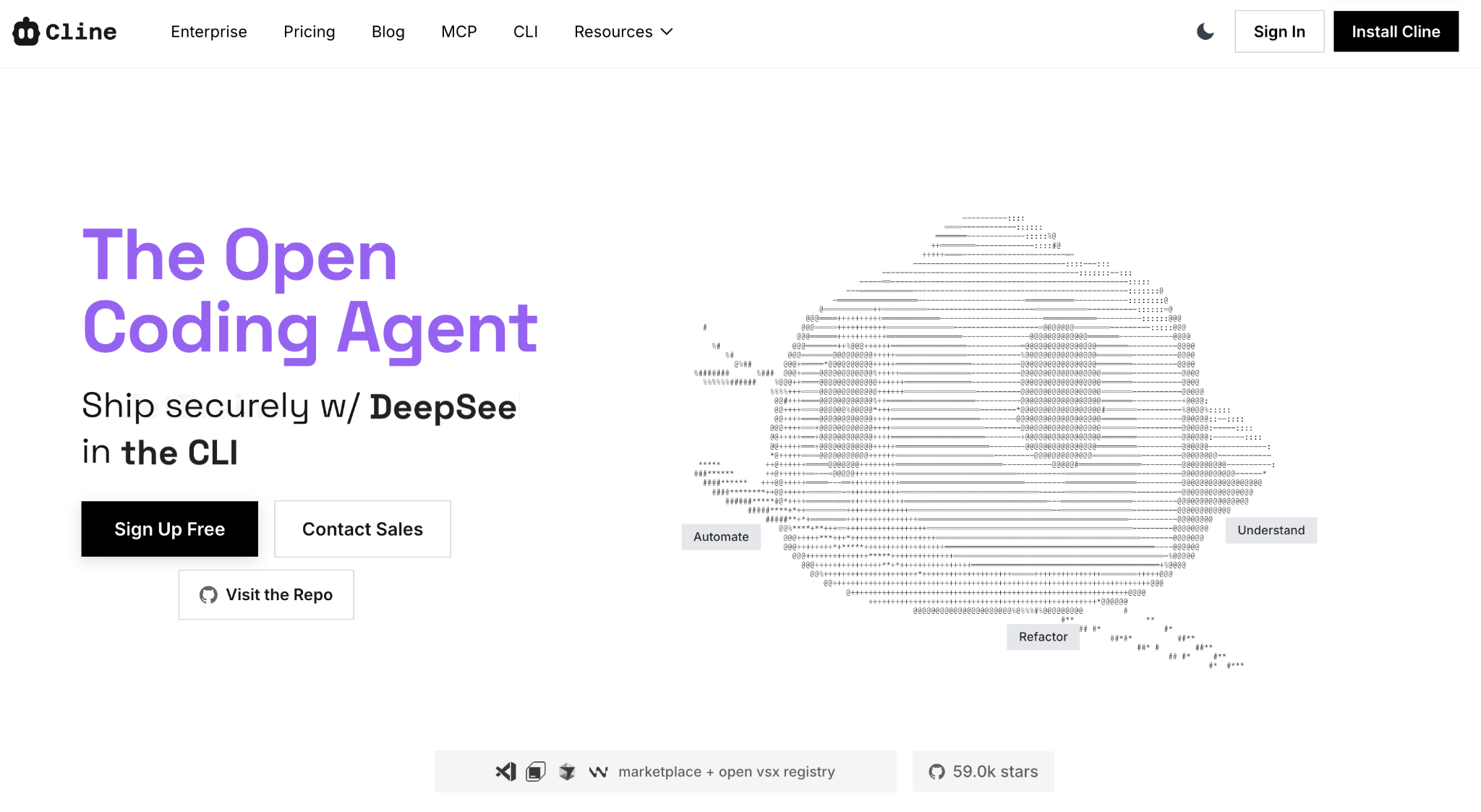
Cline has 60.3k GitHub stars, is Apache-2.0 licensed, and very actively maintained. Its defining design philosophy is explicit, step-by-step permission gating on every agentic action.
Key differentiators
- File creation and editing, terminal commands, and browser use — "with your permission every step of the way."
- The telemetry documentation is unusually transparent for this category: it explicitly lists what is not collected (no code, no conversation content, no API keys), and telemetry is optional with opt-out documented.
- MCP integration is active, with MCP server configurations referenced in recent release notes.
Pricing and enterprise readiness
The Cline extension is free and open-source. A paid Cline Teams tier exists, adding SSO, RBAC, centralized policy management, and analysis — though the pricing for this tier isn't publicly listed. The BYOK model means inference costs flow directly to your chosen provider with no markup.
Limitations
- A comprehensive provider matrix isn't clearly documented (as it is for Kilo Code or Continue).
- Local model support isn't confirmed in available sources either.
- Cline's approval-gated model is a deliberate design choice, but if you're looking for a more autonomous workflow with less interruption, Cline may be more friction than you want.
- Cline has an extension available on the JetBrains Marketplace, but Cline's own pricing page lists it as an Enterprise feature — the install docs and marketplace listing don't reflect this gating, making the actual availability for non-enterprise users unclear. Verify directly with Cline before relying on JetBrains support.
Not recommended for: Teams looking for a set-and-forget autonomous workflow, or those who need confirmed offline/local inference support without validating it independently, or JetBrains shops that need clarity on enterprise gating before committing.
Continue (best for teams standardizing agent behavior as code)
Best for
- Engineering organizations standardizing across VS Code and JetBrains, particularly those who want agent behavior to be declarative, version-controlled, and reviewable.
- Teams that treat infrastructure configuration as code.
Overview
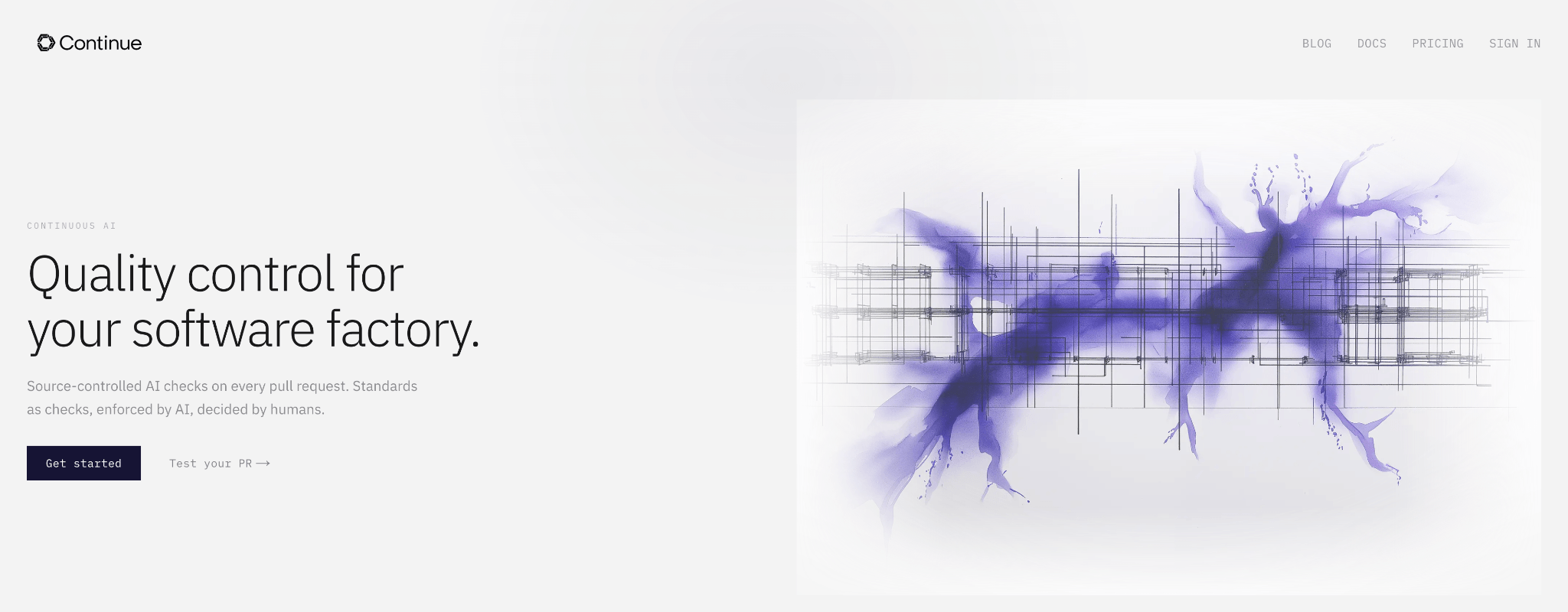
Continue is the most configuration-centric option of the group. It's an Apache-2.0 VS Code extension and JetBrains plugin. A CLI is also available, though it has shifted toward a CI/checks and automation positioning rather than a general-purpose coding agent surface. It's actively maintained, with 32.6k GitHub stars.
Key differentiators
- The standout capability is configuration-as-code: agents are defined in
config.yamlwith explicit model, rule, and MCP server declarations. - For engineering organizations that want reproducible, policy-auditable agent behavior — something you can put in version control and code review — this is unusually well-aligned.
- Provider support is extensive (OpenAI, Anthropic, Azure/Microsoft, Mistral, self-hosted options).
- Telemetry is PostHog-based but clearly documented with explicit opt-out steps, and what's tracked is enumerated (no code, no prompts).
Pricing and enterprise readiness
Continue offers a free tier, with paid plans starting from $10/user/month. An Enterprise tier with custom pricing adds SAML/OIDC SSO, BYOK at the org level, an on-premises data plane, SLA commitments, and invoicing. Enterprise pricing isn't publicly listed — contact sales. The free and self-hosted paths are well-documented, making Continue accessible to teams not yet ready to evaluate the commercial tier.
Limitations
- Indexing and codebase retrieval is a known friction point. Multiple GitHub issues and community threads report gaps in what gets indexed in real repo — the adoption cost for teams expecting "it just works" accuracy out of the box.
- Telemetry defaults to opt-out rather than opt-in, which requires active governance steps for stricter compliance environments.
Not recommended for: Teams expecting a polished, zero-configuration experience. Continue rewards configuration literacy and occasionally requires debugging retrieval pipelines before it performs well on large codebases.
OpenHands (best agent for large autonomous tasks)
Best for
- Engineering organizations exploring autonomous backlog reduction — test writing, refactors, triage, repetitive PRs.
- Architects who want an embeddable agent SDK rather than just an IDE plugin.
Overview
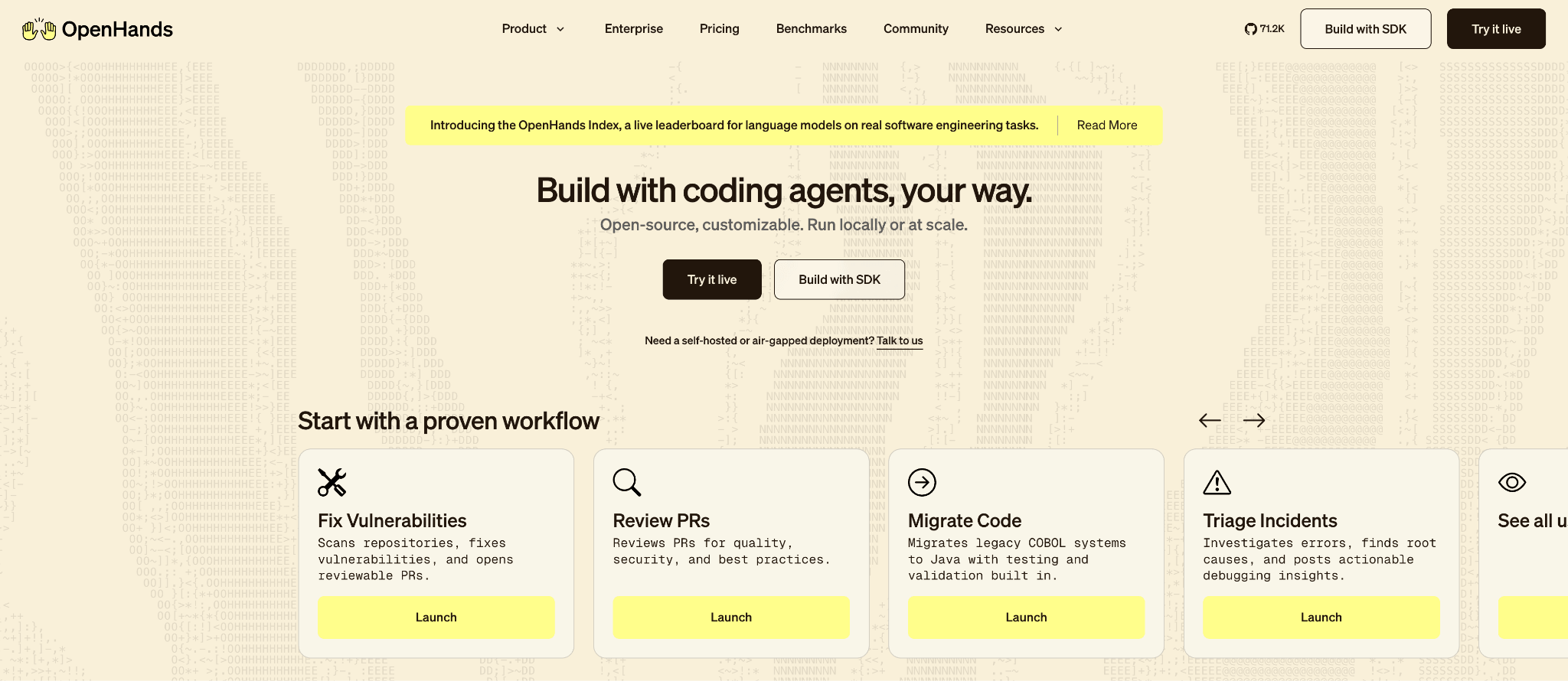
OpenHands is the most autonomous option of the seven: not an IDE extension but a full platform for agentic software development. The repo has 71.2k stars and 8.9k forks, the core is MIT licensed, with new releases roughly every month.
Key differentiators
- OpenHands is explicitly designed for autonomous execution: the agent can modify code, run commands, browse the web, and call APIs without step-by-step approval.
- The architecture is segmented into SDK (Python library), CLI, and local GUI, making it composable for teams building agent loops into internal tools, CI pipelines, or backlog automation workflows.
- MCP is supported across all its platforms.
- If your goal is "reduce the number of PRs engineers need to write for repetitive tasks," OpenHands is the most purpose-built option for it.
Pricing and enterprise readiness
The core OpenHands repo is MIT-licensed and free to self-host. All Hands AI (the company behind it) offers a cloud-hosted SaaS option and an Enterprise tier with on-prem deployment, fine-grained access controls, and GitHub/GitLab/Slack integrations — but pricing isn't publicly documented and requires contacting sales. The Enterprise directory in the repo is source-available with time-limited rights rather than fully open-source. SSO, audit logs, and compliance documentation weren't confirmed in public-facing materials at time of writing.
Limitations
- OpenHands is not a simple install. It requires containerization, proper sandboxing, and careful secrets management — significant operational complexity compared to a VS Code extension.
- The Enterprise directory is source-available with time-limited rights, not MIT, which matters if your team evaluates these tools against strict OSI purity requirements.
- OpenHands doesn't appear to publish a telemetry policy covering what, if anything, it collects from users and routes to its own servers (unlike Continue and Cline, which document this explicitly). You may want to confirm directly with the project before adopting it in any environment where data handling policies apply.
- On observability: OpenHands' SDK docs cover an OpenTelemetry tracing system that lets you pipe agent execution traces (tool calls, LLM API calls, browser sessions) to your own backend (Laminar, Honeycomb, Jaeger, or any OTLP-compatible platform). This is developer-controlled observability you configure and own, not telemetry flowing back to OpenHands.
Not recommended for: Teams looking for a "install and go" Cursor replacement with an IDE workflow. OpenHands is a platform, with corresponding deployment and security requirements.
Tabby (best for self-hosted / air-gapped deployments)
Best for
- Teams that specifically want a single-purpose, fully self-hosted completion server they run end to end.
- Teams that need autonomous agents on-prem should start with Kilo Code; those interested in Tabby's own agentic story should evaluate Pochi separately.
Overview
Tabby is a self-hosted AI coding assistant with 33.4k GitHub stars. Its core differentiator is infrastructure control: it's designed to run on-prem or in your own cloud environment. Development velocity is slower than other projects, with the latest stable release appearing in January 2026. Licensing is mixed: the core is open source (Apache 2.0), but the ee/ directory is covered by a separate Tabby Enterprise license.
Key differentiators
- You own the entire stack: it runs on your own infrastructure as a self-hosted server, with nothing routed through a vendor.
- Release notes treat indexing at scale as a first-class problem (sharded indexing environment variables appear in release notes), which suggests the team has invested in making large-repo scenarios work in real deployment environments.
- Vim/Neovim plugin support is verified.
- On telemetry, Tabby collects server health stats by default (model name, device type, architecture, CPU info, and version) — with no code or user content involved. It can be disabled by setting a single environment variable (
TABBY_DISABLE_USAGE_COLLECTION=1), which is straightforward to enforce in a managed deployment.
Pricing and enterprise readiness
Tabby's Community plan is free for up to 5 users. The Team plan is $19/user/month and adds analytics, team management, SSO, and usage reporting. Enterprise pricing is custom. SSO and audit logging are documented as enterprise features. Because Tabby is self-hosted, there are no inference costs — you pay for your own infrastructure and models. This makes total cost of ownership highly predictable but requires factoring in deployment and maintenance overhead.
Limitations
- The core, self-hosted Tabby product is a code completion and assistance tool, not a command-executing autonomous agent. For teams that need terminal execution, multi-step task completion, or browser automation, that gap matters.
- TabbyML does offer a separate agentic product — Pochi — positioned as a "full-stack AI teammate" with file editing, terminal command execution, MCP support, parallel agents in isolated Git worktrees, and GitHub integration including PR creation. That said, with only 52 GitHub stars at time of writing, it hasn't seen the community adoption or validation the more established agents have — treat it as a project to watch rather than a production-ready recommendation.
- The mixed license on the core Tabby product also means it's not "fully auditable under a single OSI license", if that's a hard requirement for you.
Not recommended for: Teams expecting a mature, battle-tested Cursor-style agent experience. Pochi's low star count and early release history suggest it hasn't seen the adoption or community validation the other agents have.
Zed (best standalone editor)
Best for
- Teams willing to adopt a modern standalone editor for performance and integrated AI features.
- Teams who want the ability to disable AI globally for policy or compliance reasons.
Overview
Zed is a standalone, performance-first code editor (Rust + GPU rendering) that is GPL-3.0 licensed and open source in its entirety. It's available on macOS, Linux, and Windows, with 79.1k GitHub stars. AI features are first-party: an agent panel, inline assistant, and "Agentic Editing" are all built in, not bolted on via extension.
Key differentiators
- Zed's architecture is fundamentally different from the others — it's not a VS Code extension or fork, it's its own editor. That means the "vendor independence" question is more meaningful: you're evaluating a full editor ecosystem, not just a plugin.
- Ollama is explicitly listed as a supported local inference provider in stable release notes.
- Importantly, Zed offers a global
disable_aisetting that turns off AI features at the configuration level — a clean answer to teams that want to standardize on the editor while leaving AI opt-in per developer. - MCP is supported and documented. Zed supports MCP Tools and Prompts features, with servers installable either as extensions (with a directory of popular servers available via the Zed website) or as custom servers configured directly in the settings file.
- Tool permissions are granular: the
agent.tool_permissions.defaultsetting controls whether MCP tool calls require confirmation, are auto-approved, or are blocked, with per-tool rules available using themcp:<server>:<tool_name>key format.
Pricing and enterprise readiness
Zed's Personal plan is free and includes the editor without hosted AI. Zed Pro adds hosted model access with $5/month in included token credits, billed at API list price +10% for additional usage. An Enterprise plan exists for larger teams with custom needs — pricing is contact-sales. BYOK is fully supported and requires no subscription. Enterprise-specific features such as SSO, audit logs, and centralized billing aren't detailed in public documentation; contact sales for specifics. For teams evaluating Zed as a BYOK editor with no hosted AI dependency, the free tier covers the full editor.
Limitations
- The GPL-3.0 license can be a blocker for teams that need permissive licensing for redistribution or embedding in other products; it's generally fine for internal use, but requires legal review.
- Adopting Zed also means switching editors, which carries training and workflow transition costs that no extension-based tool requires.
- The plugin ecosystem is also relatively immature compared to the decades of experience on which the VS Code and JetBrains ecosystems are built.
- On telemetry, Zed's documented approach is more granular than most. Two separate types of data are collected: crash diagnostics (minidump reports, sent on first launch after a crash) and client-side usage metrics (file extensions, features used, project statistics, frameworks detected — no code content). Both can be disabled independently via a telemetry settings block. Usage data is associated with a random telemetry ID that may be linked to your email address, which Zed states serves analytics and user feedback purposes. For server-side usage when using Zed's hosted AI services, the docs state that prompt data is not persistently stored or used to improve AI features unless explicitly shared, and that Zed holds a zero-data retention agreement with Anthropic. Compliance teams will appreciate that the full event schema is auditable directly in the open-source repo.
Not recommended for: Organizations that require permissive OSS licensing across their toolchain, teams that want to stay in VS Code/JetBrains and add AI as a layer, or orgs with strict policies around telemetry data being linkable to user identities.
PearAI (approach with caution)
Best for
- Individual developers who want a single-download experience and are comfortable accepting the legal and governance overhead of the bundled approach.
Overview
PearAI is a VS Code fork that bundles a fork of Continue and integrates Roo Code. With 675 GitHub stars, PearAI's latest release (v1.8.9, in May 2025) includes "PearAI Roo Code updated to v3.15.2" — its agent capabilities essentially inherit whichever agents it bundles.
Key differentiators
- PearAI's value proposition is convenience: a single download that packages existing open-source agents without requiring you to set them up individually.
- If you want a Cursor-like installation experience with open-source agents underneath, the concept makes sense.
Pricing and enterprise readiness
No publicly documented pricing, enterprise tier, SSO, audit logs, or compliance features were found. Given the license ambiguity and low star count, enterprise evaluation is premature.
Limitations
- The license situation is unclear: GitHub displays MIT, but the README asserts Apache-2.0 — conflicting license statements which can pose a procurement and legal review problem.
- Telemetry via Axiom is explicitly stated (but not expanded on) in the README, so "open source" doesn't mean "no telemetry" here.
- The VS Code marketplace access may also introduce restrictions compared to alternatives that use OpenVSX.
- At the time of writing, Pear AI's documentation site deployment is "paused".
- Given that the underlying agents are directly installable with cleaner licensing (and that Roo Code, one of the two it bundles, has since shut down and merged back into Cline), it's hard to recommend PearAI over just using those tools directly.
Not recommended for: Enterprise adoption or any context where clean licensing matters. The underlying agents this bundles are better evaluated and deployed directly.
How to choose an open-source Cursor alternative
Start with your deployment constraints
Which tool has the best AI features isn't as critical as where your code can travel. If you're in a regulated environment with data residency requirements, the path narrows quickly to tools that support local inference (Kilo Code, Continue with Ollama) or full self-hosting (Tabby). If you need code to stay entirely within your infrastructure, start with Kilo Code: it can run agentic workflows against locally hosted models, with an enterprise private gateway to centralize that access, so you keep full autonomous agent coverage while inference stays on your own infrastructure. Tabby is the other purpose-built option, designed from the ground up as a self-hosted server, though it doesn't cover autonomous agent workflows itself (you'd have to add their separate product Pochi).
IDE ecosystem matters more than you think
If your organization is exclusively on VS Code, you have the most options. If you're running JetBrains IDEs (IntelliJ, PyCharm, WebStorm), the list shortens to Kilo Code and Continue as the only tools with officially documented multi-IDE support. For mixed-IDE organizations, this is often the decision filter.
Understand what "telemetry opt-out" actually means operationally
Several of these tools collect telemetry by default and require explicit opt-out. When you're rolling out tooling to a hundred engineers, that's a lot of admin. PostHog-based telemetry (used by Continue) is at least transparent — the data collected is documented — but your compliance team still needs to evaluate it against your data handling policies, not just accept "it's anonymous" at face value.
Agent power comes with governance requirements
Any tool that can execute terminal commands, write files, and browse the web poses a security and audit question. Before deploying agentic tools broadly, define your approval policies, audit trail requirements, and MCP server governance. MCP is a powerful extensibility mechanism, but tool definitions can be manipulated if you're pulling from untrusted sources — version pin your MCP servers and treat them as third-party dependencies.
Configuration portability affects long-term maintenance
Continue's config.yaml approach means agent configurations are version-controllable, reviewable, and auditable — differently from tools that store configuration in UI state. If you're deploying agent behavior as an organizational standard, the ability to code-review a configuration file before it goes to production is worth weighting seriously.
How to migrate from Cursor to open-source AI IDEs
Step 1: Audit your current Cursor usage
Before choosing a replacement, understand what functionality you're actually using. Run through these questions with your team: Are you using tab-complete autocomplete, chat, multi-file edits, or agentic task execution? Which features are blocking vs. nice-to-have? How many team members are on JetBrains vs. VS Code?
Step 2: Transfer your keybindings
If you're migrating to a VS Code extension (Kilo Code, Cline, Continue), this step is largely painless — Cursor is a VS Code fork and your existing keybindings transfer directly. Your keybindings.json carries over without modification.
If you're migrating to Zed, keybindings require manual reconfiguration. Zed doesn't automatically import keybindings from VS Code — it imports settings and core editor behavior, but not shortcuts. During onboarding you can select the VS Code keymap preset, which covers common bindings, but anything customised will need to be manually translated into Zed's keymap.json format. Zed's VS Code migration guide includes a keybinding reference showing where shortcuts match and where they differ.
Step 3: Migrate your .cursorrules
.cursorrules files, which store project-specific AI instructions in Cursor — have equivalents in most tools, but the format and file path differ. For the VS Code-based tools:
- Kilo Code uses
.kilocode/rules/— a flat directory of Markdown files. Cursor's nested.cursor/rules/directory structure maps to flat filenames with descriptive names (e.g..cursor/rules/backend/api-rules.mdcbecomes.kilocode/rules/backend-api-rules.md). Kilo's migration docs cover this with examples. - Cline supports a
.clinerulesfile at the project root. Your.cursorrulescontent can be copied across largely unchanged. - Continue uses rules defined in
config.yaml. Your.cursorrulescontent maps to rule blocks in the configuration file.
For any tool, the practical approach is to copy the content of your existing .cursorrules into the target format first, then refine based on how the new tool interprets the instructions in practice.
Step 4: Choose your primary agent
For most VS Code teams, the practical shortlist is Kilo Code, Cline, or Continue. JetBrains shops should evaluate Kilo Code and Continue side by side. Export your AI provider credentials and test with your actual codebase before committing — indexing and retrieval quality varies significantly in practice.
Step 5: Configure local model support (optional but recommended)
If you're moving away from Cursor partly for data control reasons, set up local inference as part of your migration rather than as a later optimization. Both Kilo Code and Continue have explicit Ollama guides. A basic setup looks like:
# Install Ollama
curl -fsSL https://ollama.com/install.sh | sh
# Pull a coding-focused model
ollama pull qwen2.5-coder:32b
# Verify it's running
ollama list
Then configure your chosen tool to point at http://localhost:11434 as an OpenAI-compatible endpoint. Continue uses config.yaml:
models:
  - name: Qwen2.5 Coder 32B (Local)
    provider: ollama
    model: qwen2.5-coder:32b
    apiBase: http://localhost:11434
Step 6: Audit telemetry settings before broad rollout
Before deploying to your full engineering team, explicitly verify telemetry configuration. For Continue, opt-out is in settings; document the steps and include them in your internal onboarding.
Step 7: Define your MCP governance policy
If you're adopting MCP-capable tools, establish which MCP servers are approved before engineers start adding their own. Treat MCP servers like third-party dependencies: pin versions, review tool definitions, and maintain an allowlist. The extensibility is genuinely valuable — but the attack surface is real.
Conclusion: Which open-source Cursor alternative should you choose?
The choice depends more on your operational constraints than on any single feature comparison. Multi-IDE organizations with JetBrains environments should evaluate Kilo Code and Continue first. Teams that prioritize reproducible, version-controlled agent configuration should lean toward Continue. Organizations with strict data residency requirements should start with Kilo Code, which can run full agentic workflows entirely on locally hosted models with a self-hostable gateway and telemetry disabled; Tabby remains an option if you specifically want a single-purpose, completion-only server. For autonomous task execution beyond the IDE, OpenHands is the most capable option, but it requires platform-level deployment to use properly.
One tool to approach with caution: PearAI. Its licensing ambiguity creates unnecessary legal overhead when the underlying agents it bundles can be used directly. It's worth revisiting if that situation changes.
Kilo Code is the strongest starting point for organizations that want broad coverage without making hard architectural choices upfront — the multi-IDE support, 500+ models from 60+ providers, and MCP documentation mean you can adopt incrementally. If configuration-as-code and policy auditability are organizational priorities, Continue will be the better long-term choice.
Best pick by use case:
- Multi-IDE organizations: If your team spans VS Code, JetBrains, and the CLI with no tolerance for vendor lock-in, Kilo Code is the only one of the seven with first-class support across all three surfaces, fully documented enterprise tiers, and zero markup on inference costs.
- VS Code-only, maximum agent power: If you want a powerful VS Code agent with a step-by-step approval model and unusually transparent telemetry documentation, Cline is the strongest choice — though Kilo Code adds inline autocomplete and orchestration on top of the same agentic foundation.
- Configuration portability and policy auditability: Continue's
config.yamlapproach is the most mature option for teams that want version-controlled, code-reviewable agent behavior. - Self-hosted / air-gapped environments: Kilo Code can run autonomous agents entirely on locally hosted models with a self-hostable gateway and telemetry turned off, keeping everything inside your network. Tabby is the alternative if you only need a single-purpose, completion-only server.
- Autonomous large-scale task execution: OpenHands is the most capable option for autonomous backlog reduction, but requires platform-level deployment.
- Performance-first standalone editor: Zed, for teams willing to switch editors entirely.
Try Kilo Code for free. Free to install, open-source, and BYOK on day one.
FAQ
What is the best open-source alternative to Cursor in 2026?
For most engineering organizations, Kilo Code is the strongest starting point. It leads on provider breadth (500+ models from 60+ providers), MCP documentation, fully documented enterprise tiers (SSO, audit logs, model restrictions), and out-of-the-box coverage across VS Code, JetBrains, and CLI with zero markup on inference costs. Continue is the strongest alternative for teams that prioritize configuration-as-code: agents defined in config.yaml are version-controllable, code-reviewable, and auditable in ways that matter for policy-driven organizations. The right answer depends on whether your team prioritizes enterprise readiness and platform breadth (Kilo Code) or declarative, reproducible agent configuration (Continue).
Which Cursor alternative works with JetBrains (IntelliJ/PyCharm/WebStorm)?
Kilo Code is the only one of the seven that treats all three surfaces as first-class agentic coding environments from a single platform. Continue also has officially documented JetBrains support, though its CLI has shifted toward a CI/checks positioning rather than a general-purpose coding agent surface.
Which open-source Cursor alternative is best for VS Code only?
Cline (60k+ stars) is the strongest dedicated VS Code extension agent, with explicit permission gating on every action and unusually transparent telemetry documentation. Kilo Code is the other strong VS Code option, adding inline autocomplete and orchestration on top of a comparable agentic foundation, plus the broadest documented provider matrix.
Can I use my own API keys (BYOK) with these Cursor alternatives?
Almost all of these tools support bringing your own API keys. Kilo and Continue have the most explicitly documented provider matrices, covering major providers plus OpenAI-compatible endpoints for self-hosted models. Tabby is the exception — it's a self-hosted inference server rather than a conventional BYOK tool, meaning you bring your own infrastructure rather than your own keys. Pochi, TabbyML's separate agentic product, does operate on a standard BYOK model.
Which Cursor alternative supports local models (Ollama/LM Studio)?
Kilo Code and Continue both have dedicated documentation for Ollama and LM Studio. Zed lists Ollama in stable release notes.
Which open-source tool is closest to Cursor's "IDE fork" experience?
The open-source "IDE fork" category has thinned out: PearAI is the only remaining VS Code fork of the seven, and its licensing ambiguity and explicit third-party telemetry make it hard to recommend. If a Cursor-like "editor as product" experience matters to you, you're better off either adding an extension like Kilo Code or Cline to standard VS Code, or switching to Zed, a standalone editor with first-party AI built in.
What's the best option for air-gapped or high-compliance environments?
It depends on how strict the requirement is. Kilo Code is the strongest fit for high-compliance and air-gapped environments that still want autonomous agents: it runs agentic workflows entirely on locally hosted models, the gateway is self-hostable, and enterprise controls add SSO, audit logs, and model restrictions. For a fully air-gapped setup, disable its telemetry (opt-out by default) as part of the rollout. Tabby is the alternative when you want a single-purpose, self-hosted completion server: its telemetry is limited to server health stats (model name, device type, architecture, CPU info, version, no code or user content) and disables with one environment variable.
Which tool is best for large autonomous tasks like migrations?
OpenHands. It's explicitly designed as an autonomous software development agent platform — code edits, command execution, and web browsing without step-by-step approval. The tradeoff is that it requires platform-level deployment (containerization, sandboxing, secrets management) rather than a simple VS Code extension install.