Mobile app comparison· August 2026
Cursor Mobile App alternative
- Model agnostic — 500+ models, no provider lock-in
- Controls both cloud and remote sessions from your CLI and VS Code
- Cost control — pay provider rates with no platform markup
- BYOK, or use your existing model subscriptions

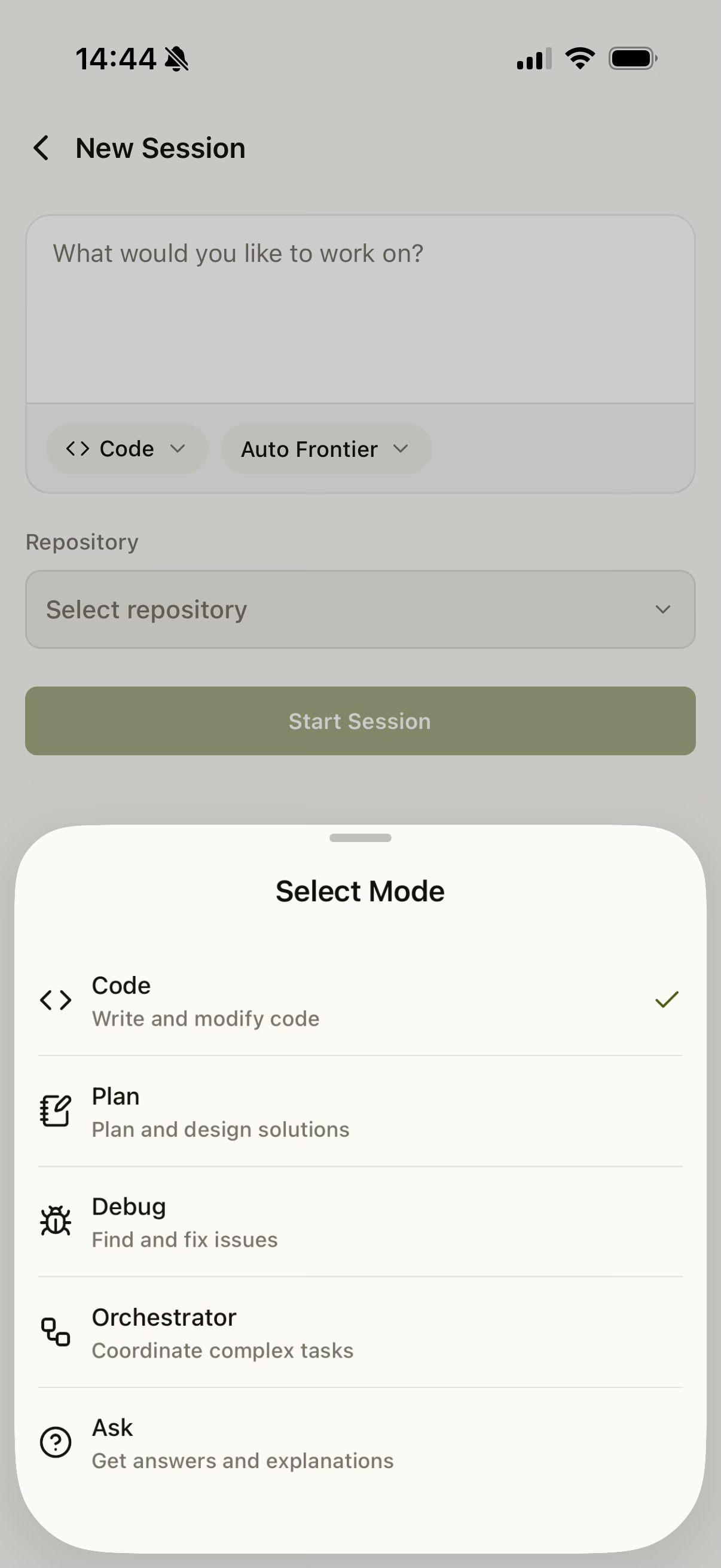
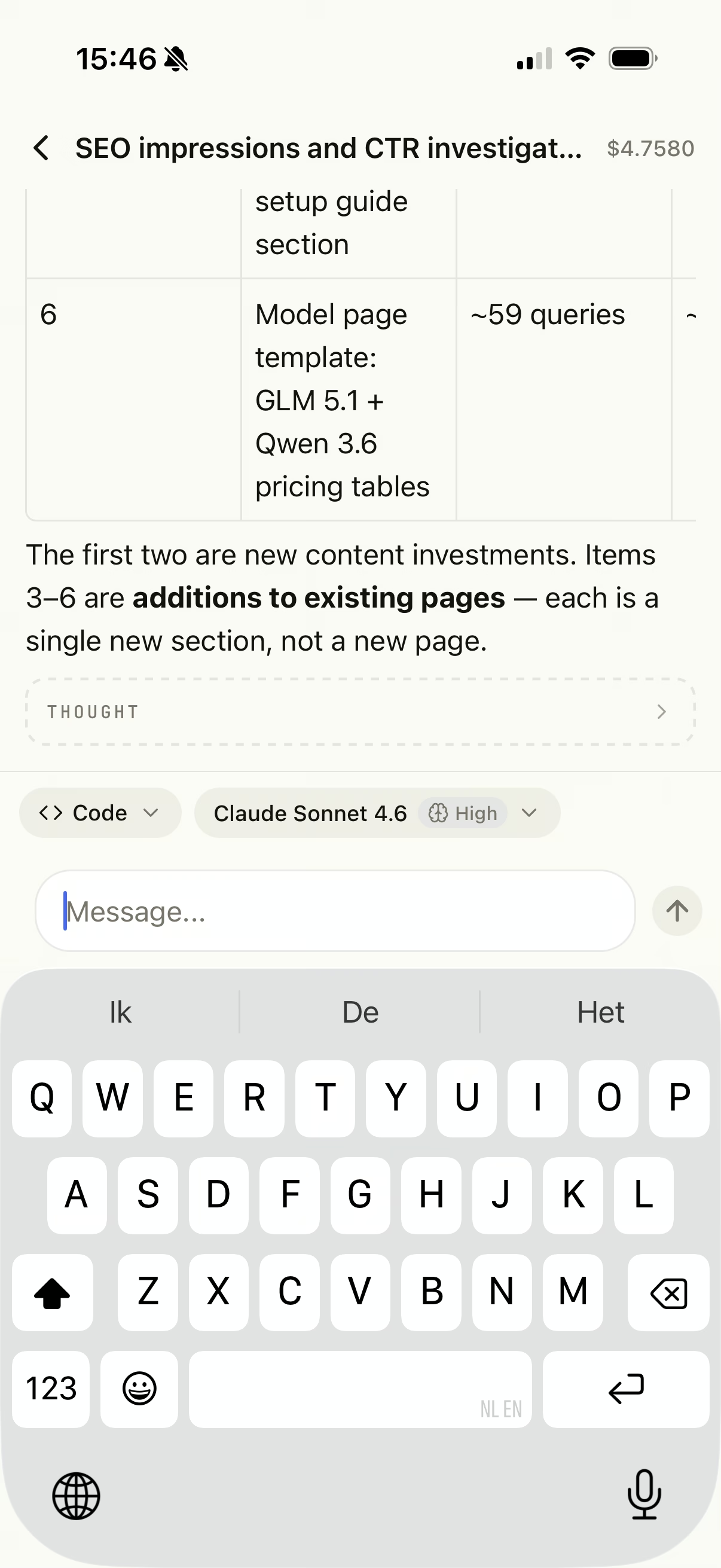
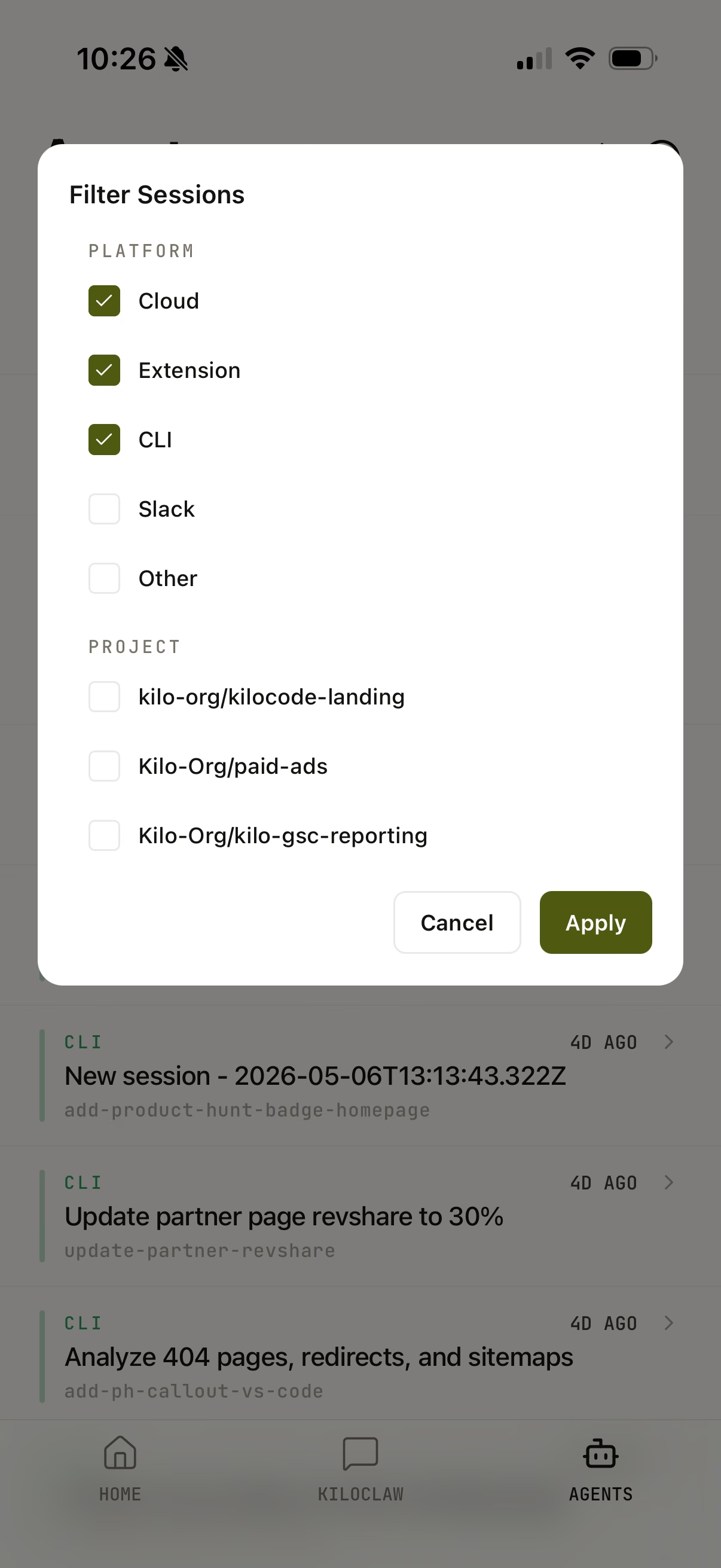
Kilo Code appLaunch agents on 500+ models — iOS + Android, no subscription.
vs
Cursor Mobile AppPolished cloud-agent flow for paid Cursor plans, iOS-only.
At a glance
Facts verified against public Cursor documentation and announcements, August 2026.
Platform
Kilo Code app
iOS (iPhone + iPad) + Android
Cursor
iOS only
Availability
Kilo Code app
App Store + Google Play
Cursor
Public beta (App Store)
Paid plan required
Kilo Code app
No
Cursor
Yes
Model choice
Kilo Code app
500+ models
Cursor
Frontier models
Control local machine sessions
Kilo Code app
CLI + extension sessions
Cursor
Remote Control (paid plans)
Open source
Kilo Code app
Yes
Cursor
No
Kilo Code app vs Cursor Mobile App: feature by feature
What you can do from the phone
Launch a new agent / session
Kilo Code app
Cloud Agents + local CLI/extension sessions
Cursor
Launch cloud agents from a repo
Steer a running agent mid-task
Kilo Code app
Yes
Cursor
Yes
Voice input
Kilo Code app
Yes
Cursor
Yes
In-app code editor
Kilo Code app
No
Cursor
No
Review diffs
Kilo Code app
View session progress, results, and diffs
Cursor
Focused diff view
Merge a PR from the app
Kilo Code app
No
Cursor
Yes
Where the work runs
Runs in the cloud
Kilo Code app
Kilo Cloud Agents
Cursor
Isolated per-agent VMs
Runs on your local machine
Kilo Code app
CLI + extension sessions
Cursor
Remote Control (paid plans)
Runs with your device off
Kilo Code app
Yes
Cursor
Yes
Cross-surface continuity
Kilo Code app
Start on one surface, resume on another
Cursor
Agents appear across app, desktop, web
Models & flexibility
Number of models
Kilo Code app
500+
Cursor
Frontier models
Models on cloud sessions
Kilo Code app
BYOK via Kilo Gateway
Cursor
Cursor-supported models
Models on remote (local) sessions
Kilo Code app
Custom via BYOK or subscription
Cursor
Your Cursor plan
Open-weight / budget models
Kilo Code app
Yes
Cursor
Limited
Beyond coding: review, security & teams
Code Reviewer
Kilo Code app
Yes
Cursor
No
Security Agent
Kilo Code app
Yes
Cursor
No
Manual PR reviews
Kilo Code app
Yes
Cursor
Yes
Organization management
Kilo Code app
Yes
Cursor
No
Notifications & staying in the loop
Push notifications
Kilo Code app
Yes
Cursor
Yes
Flexible notification settings
Kilo Code app
Yes
Cursor
Live Activities
Live Activities / lock screen
Kilo Code app
No
Cursor
Yes
Pricing & platform
Cost to use the app
Kilo Code app
Free (BYOK) or pay-as-you-go
Cursor
Requires paid Cursor plan
Platforms
Kilo Code app
iOS (iPhone + iPad) + Android
Cursor
iOS only (iPhone + iPad)
iPad experience
Kilo Code app
Purpose-built iPad UI
Cursor
iPhone + iPad layout
iOS version required
Kilo Code app
Current iOS
Cursor
iOS 26+
Open source
Kilo Code app
MIT-licensed platform
Cursor
Proprietary
When to pick each app
Pick the Kilo Code app
You want to launch agents from your phone without a paid subscription, choose from 500+ models, and steer both Cloud Agents and sessions already running in your CLI and editor extensions — on an open-source platform.
Pick Cursor Mobile App
You are already on a paid Cursor plan and want its polished cloud-agent flow with Live Activities, isolated per-agent VMs, and in-app PR merge.
Choose the Kilo Code app when…
You want iPhone, iPad, and Android
The Kilo Code app ships on iOS and Android, with a purpose-built iPad interface — not just a stretched iPhone view. The Cursor mobile app is iOS-only (Android planned, no date), so on Android, Kilo is the option available today.
You do not want another subscription
The Kilo Code app works with BYOK or free models — no paid plan required to launch and steer agents. The Cursor mobile app needs a paid Cursor plan before you can start anything.
You want real model choice
Route agents through any of 500+ models at provider rates. Pick a cheap open-weight model for routine tasks and a frontier model when it matters.
You want cloud and local, not just cloud
Beyond remote Cloud Agents, the app connects to sessions already running in the Kilo CLI and editor extensions, so you can steer local coding work from your phone without re-setting-up anything.
You want more than an agent runner
The Kilo Code app also brings Code Reviewer, the Security Agent, manual PR reviews, organization management, and flexible push-notification settings to your phone.
Open source matters to you
Kilo Code is MIT-licensed. You can inspect prompts, audit context handling, and avoid vendor lock-in.
Choose Cursor Mobile App when…
You already pay for Cursor
If Cursor is your daily driver and you are on a paid plan, its iOS app slots straight into that workflow with agents visible across app, desktop, and web.
You want to merge PRs from your phone
The Cursor mobile app reviews artifacts, screenshots, and diffs and lets you merge the PR directly from the app.
Live Activities on the lock screen
Track up to eight running agents on the iOS lock screen and Dynamic Island — the Kilo Code app uses standard push notifications instead.
Remote Control of your own machine
Hand off an agent running on your computer and keep directing it from your phone, with a setting that keeps the machine awake while you're away.
Available on the App Store
Code from your phone — free to start
500+ models, Cloud Agents plus local sessions, and no subscription required.
No subscription required
500+ models
Cloud Agents + local CLI/extension sessions
Runs remotely, device off
MIT-licensed open source
Frequently asked questions
Common questions about the Kilo Code app vs Cursor Mobile App.