Kilo for GitHub
Kilo for GitHub lets you interact with Kilo directly from your GitHub issues, pull requests, and review comments. Mention the bot and it will:
- Read the surrounding context
- Access the repository
- Respond with answers, code reviews, or full implementations
What You Can Do
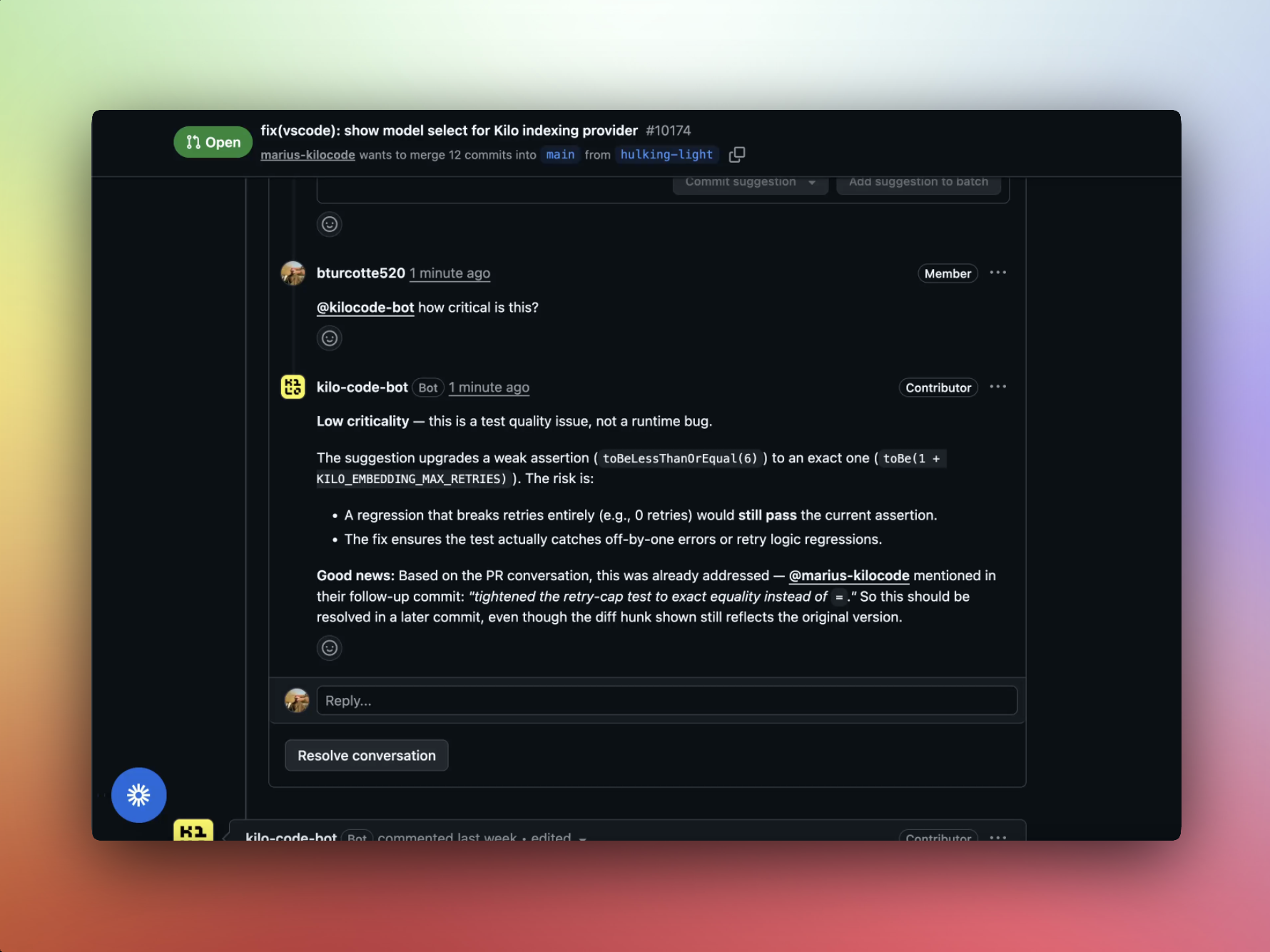
Ask questions on review comments
When you're reviewing a pull request and want a second opinion on a piece of code:
@kilocode-bot is this true?
The bot reads the review comment, the surrounding diff, and the relevant code in the repository to give you an informed answer.
Fix issues directly from GitHub
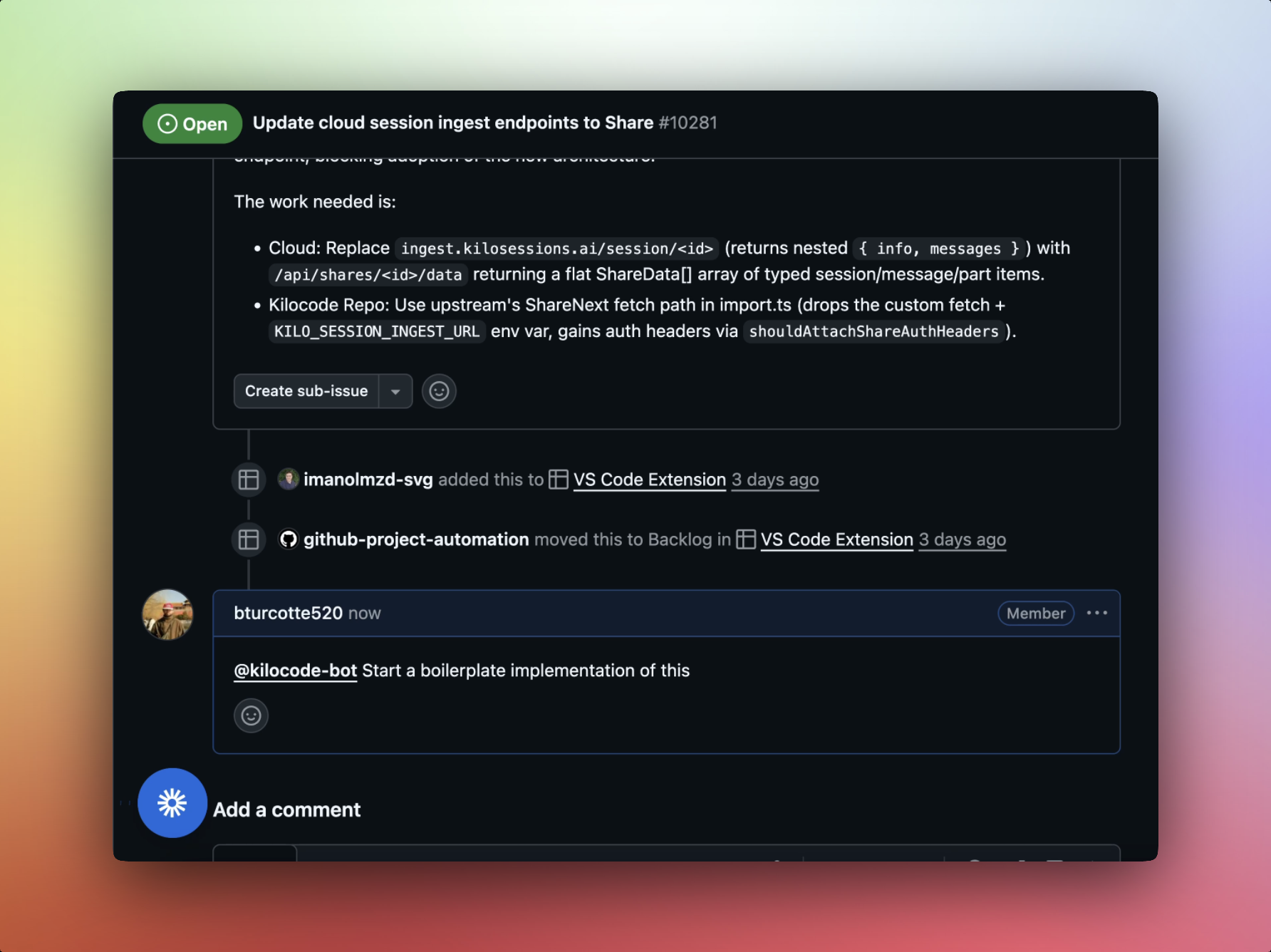
Tag the bot on any issue and ask it to handle the fix:
@kilocode-bot please fix
The bot will:
- Read the issue description
- Analyze the relevant code
- Create a branch with the implementation
- Open a pull request
Diagnose bug reports
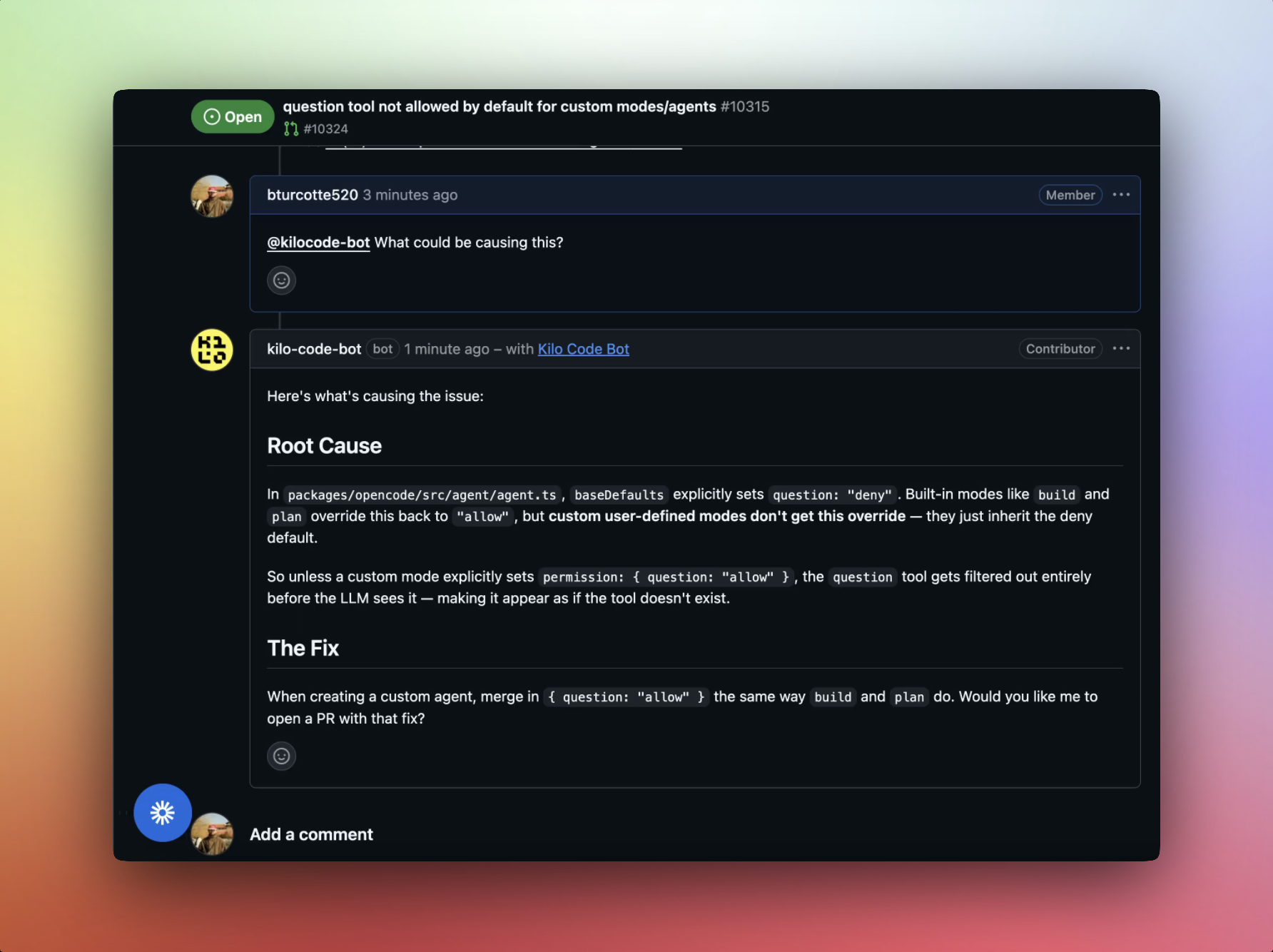
When a bug report comes in and you want to understand what's going on before diving in:
@kilocode-bot what could be the cause of this issue?
The bot examines the bug report, searches the codebase for related code paths, and shares its analysis directly in the issue thread.
How It Works
- Mention
@kilocode-boton an issue, pull request, or review comment - Kilo reads the context — the issue description, PR diff, review thread, and connected repository code
- A Cloud Agent spins up to process the request
- Kilo responds with an answer, analysis, or a pull request containing the implementation
For implementation requests, the bot creates a new branch, commits the changes, and opens a PR back to the repository. You'll see the PR linked directly in the thread.
Prerequisites
- A Kilo Code account with available credits
- Your GitHub integration configured via the Integrations tab at app.kilo.ai
- The Kilo Code Bot GitHub App installed on the relevant repositories
Setup
- Go to app.kilo.ai and navigate to the Integrations tab
- Connect your GitHub account through the KiloConnect GitHub App if you haven't already
- Install the Kilo Code Bot GitHub App on your repositories at github.com/apps/kilo-code-bot
Once installed, @kilocode-bot is available on any issue or PR in the repositories you've authorized.
Use Cases
Code Review Assistance
During a PR review, mention the bot on any comment or line of code to get a quick analysis. The bot can:
- Verify logic
- Suggest improvements
- Explain unfamiliar patterns
Issue Triage and Fixes
When new issues come in, the bot can diagnose probable causes and, if you ask, implement a fix directly. This works best for straightforward bugs where the issue description gives enough context to act.
Bulk or Cross-Repo Changes
Need to bump a dependency or apply a config change across your org? Mention the repos in a single comment and the bot handles each one.
Cost
Kilo Code credits are consumed the same way as any other Kilo interface. Credit usage depends on the model selected and the complexity of the task.
Tips for Best Results
- Be specific about what you want. "Please fix" works best on well-described issues. For vague issues, ask the bot to diagnose first.
- Mention specific repositories if the fix spans multiple repos.
- Use on review comments for quick, contextual questions during code review.
Troubleshooting
The bot isn't responding to mentions. Make sure the Kilo Code Bot GitHub App is installed on the repository and that you're mentioning @kilocode-bot (not @kilo).
The bot can't access the repository. Verify that both the KiloConnect App and the Kilo Code Bot App are installed and have access to the repository in question.
The implementation doesn't match what I expected. Try providing more context in the issue description or comment. The bot works best when the problem and desired outcome are clearly described.