
TL;DR
- CLI AI tools now split into three categories: model-agnostic coding agents, vendor-native CLIs, and terminal-first open-source workflows.
- For most developers and teams, Kilo CLI is the broadest default: open source, model-flexible, BYOK-ready, local-model capable, and connected to VS Code, JetBrains, cloud agents, GitHub, Slack, and Kilo Gateway.
- Claude Code, Codex CLI, Gemini CLI, Grok Build, and Qwen Code are strongest when your team has already standardized on that vendor's model ecosystem.
- OpenCode is the closest open-source terminal-first alternative if you want a dedicated TUI and direct provider-key setup.
- For a broader comparison that includes IDE agents and cloud-delegate tools, see Best AI Coding Agents in 2026.
What "CLI AI tool" means in 2026
Before 2024, a CLI AI tool usually meant a thin command-line wrapper around chat: paste a prompt, get a response, copy the answer back into your editor. That category still exists, but the best CLI AI tools for coding now behave more like agents. A real CLI coding agent can:
- Inspect your repository and understand project context before editing
- Plan a multi-step change instead of answering one prompt at a time
- Edit multiple files from the terminal
- Run shell commands, package managers, linters, tests, and migrations
- Read failures and iterate until the task is complete
That makes CLI AI evaluation different from autocomplete or IDE chat. A terminal agent sits close to your source code, package manager, test runner, credentials, and CI scripts. The most important questions are control questions: what can it run, which models can it use, what does it cost, can you audit it, and can your team govern it?
The critical split is model neutrality versus vendor-native integration. Kilo CLI and OpenCode prioritize openness and model choice. Claude Code, Codex CLI, Gemini CLI, Grok Build, and Qwen Code prioritize the official experience for one model ecosystem.
Quick comparison
| Tool | Type | Best for | Starting price | BYOK | Model choice |
|---|---|---|---|---|---|
| Kilo CLI | Open-source CLI agent (+ VS Code, JetBrains, cloud) | Model-flexible terminal coding | Free individual use; pay-as-you-go hosted models | Yes | 500+ hosted models, BYOK, local models |
| OpenCode | Open-source terminal-first agent | Dedicated TUI and direct provider setup | Free; provider costs vary | Yes | Any provider via API keys, plus OpenCode Zen |
| Claude Code | Vendor-native CLI agent | Anthropic-first teams | Claude subscription or Anthropic Console | Limited | Claude models |
| Codex CLI | Open-source vendor-centered CLI | OpenAI-centric workflows | Included in eligible ChatGPT plans; API key supported | Limited | OpenAI models and configured providers |
| Gemini CLI / Antigravity CLI | Google vendor-centered CLI transition | Google AI users choosing between the current Gemini CLI and the incoming Antigravity CLI | Google account/API usage; access terms changing | Limited | Gemini models |
| Grok Build | Vendor-native CLI | xAI Grok workflows | Check xAI access terms | Limited | Grok models |
| Qwen Code | Open-source Qwen-centered CLI | Qwen-first terminal workflows | Alibaba Cloud Coding Plan or API keys | Yes | Qwen, OpenAI-compatible, Anthropic, Gemini, local endpoints |
Pricing and access terms change quickly in this category. Confirm current tiers with each vendor before rolling out a CLI AI tool across a team.
How we evaluated
We focused on AI tools developers can realistically use from the command line for coding work. The evaluation criteria mirror the VS Code agent guide, but with terminal-specific risks and workflows in mind:
- Agentic capability: Can the tool complete multi-step coding tasks, or does it only generate one response at a time?
- Terminal nativeness: Does it work naturally with shell commands, package managers, tests, and repository context?
- Model flexibility: Can developers use hosted models, BYOK providers, and local models without changing tools?
- Pricing transparency: Are free tiers, subscriptions, API-key costs, and team plans understandable?
- Surface coverage: Does the agent stop at the terminal, or does it also connect to IDEs, code review, cloud agents, and team controls?
For a deeper terminal-specific checklist, see the open source agentic CLI evaluation guide. For live model usage trends, compare the Kilo AI model leaderboard.
Best CLI AI tools reviewed
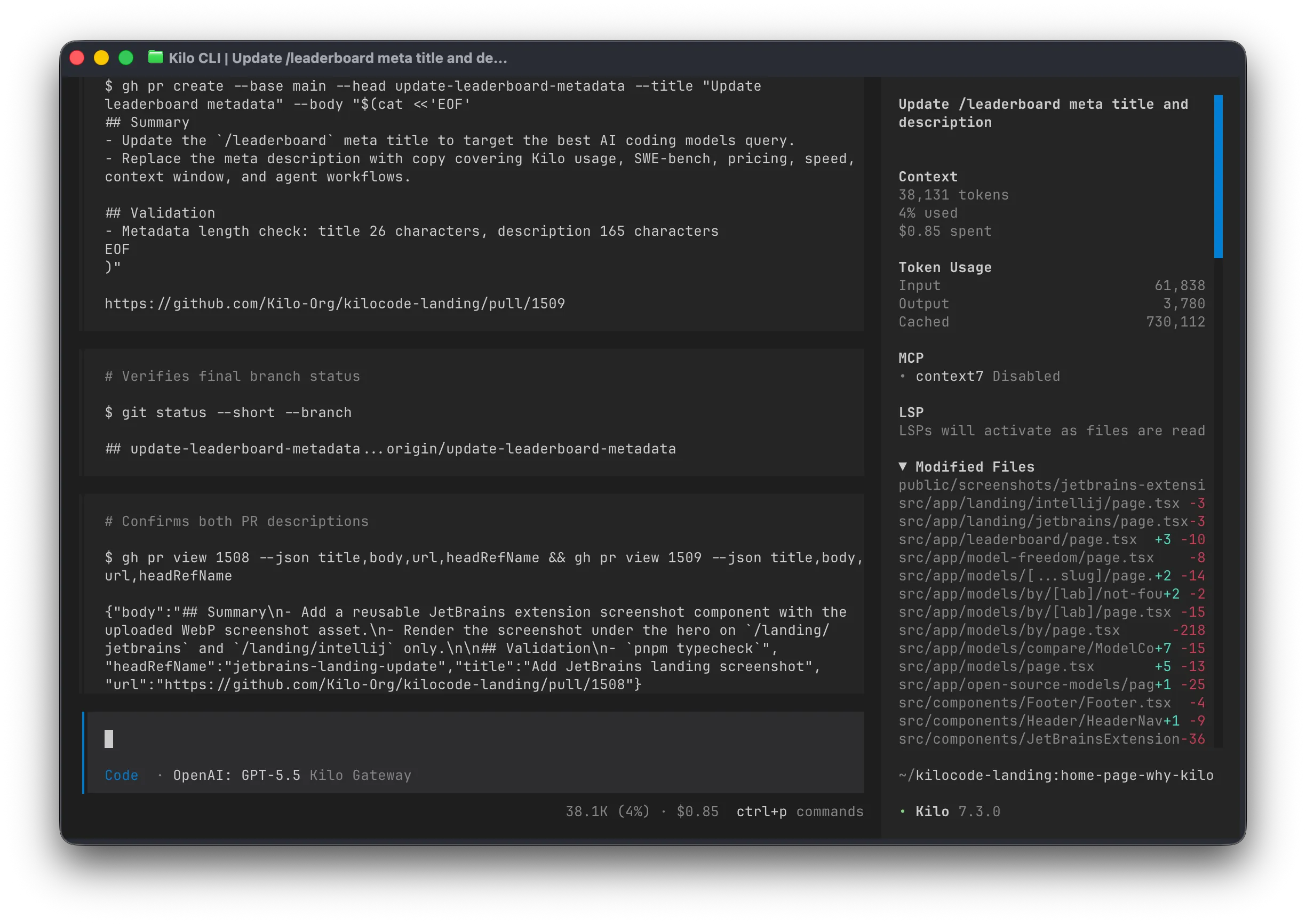
Kilo CLI (best open-source, model-agnostic CLI AI tool)
Best for
- Developers who want one configurable agent platform across CLI, VS Code, JetBrains, cloud agents, GitHub, Slack, and model routing.
- Teams that need BYOK economics without committing every workflow to a single model vendor.
- Regulated or privacy-sensitive teams that want local/offline model support and auditable open-source tooling.
Overview
Kilo CLI is the terminal surface of Kilo Code: an open-source AI coding agent platform that also runs in VS Code, JetBrains, cloud workflows, GitHub code review, and Slack. It is built for developers who want terminal-native work without locking model choice, billing, or governance into one vendor.
The important difference from single-provider CLI AI tools is model control. Kilo CLI can route through 500+ hosted models on Kilo Gateway, use provider keys directly, or run local/offline models through compatible runtimes. That makes it a strong default for teams evaluating the best CLI AI tool for cost control, private code, and mixed model preferences.
Kilo CLI is also useful when terminal work needs to connect to the rest of the development stack. The same agent platform can support IDE workflows, cloud agents, code review, Slack workflows, usage analytics, centralized billing, and enterprise model restrictions.
Key strengths
- 500+ hosted models, BYOK, and local/offline model support in one terminal workflow.
- Open-source CLI with broader surface coverage across IDEs, cloud agents, GitHub, and Slack.
- Free individual use with pay-as-you-go hosted models and no token markup.
- Model behavior controls that help balance quality, speed, and cost per task.
Limitations
- Teams that only want a single-provider Claude, OpenAI, Google, or xAI experience may prefer that vendor's official CLI.
Pricing
Kilo CLI is free for individual use. Hosted model usage is pay-as-you-go through Kilo Gateway with no token markup, and developers can also bring provider keys or use local models.
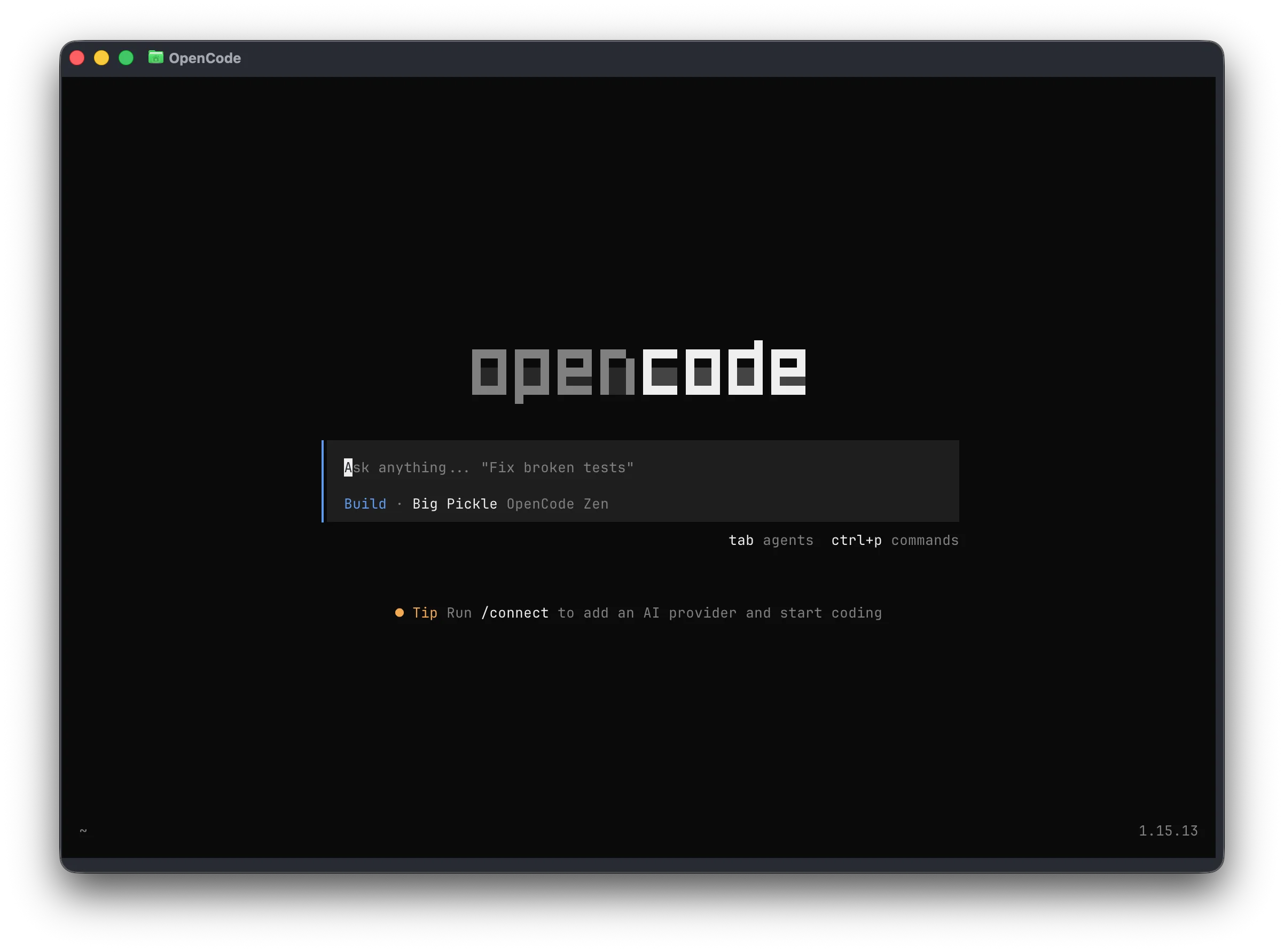
OpenCode (best terminal-first open-source workflow)
Best for
- Developers who want an open-source terminal-first coding agent with a focused TUI.
- Power users who prefer direct provider-key setup.
- Teams that want project context through
AGENTS.mdand a plan/build workflow.
Overview
OpenCode is a terminal-first AI coding agent with an opinionated TUI, provider-key setup, plan/build modes, and project-level context through AGENTS.md. It is one of the strongest options if your search for the best CLI AI tools prioritizes an open-source terminal experience over a larger product platform.
It is especially appealing for developers who want to keep the workflow close to the shell, configure providers directly, and avoid IDE-first assumptions.
Key strengths
- Open-source, terminal-first workflow with a focused TUI.
- BYOK model across many providers through API keys.
- Plan/build mode structure for controlled code changes.
Limitations
- Less useful if you want one agent layer across VS Code, JetBrains, cloud agents, GitHub review, and Slack.
- Provider costs and setup are mostly handled directly by the user or through OpenCode Zen.
Pricing
OpenCode can be used with provider API keys. OpenCode Zen adds a managed model-access option with separate billing details.
Claude Code (best for Claude-native terminal workflows)
Best for
- Anthropic-first teams that already trust Claude for planning, refactoring, and review.
- Developers who want the official Claude coding CLI instead of a model-neutral tool.
- Teams whose procurement and governance already center on Anthropic.
Overview
Claude Code is Anthropic's official agentic coding CLI. It is a strong option for teams that already trust Claude models, use Anthropic Console, and want the vendor-native terminal experience rather than a model-agnostic tool.
The tradeoff is flexibility. Claude Code is a high-quality CLI AI agent, but it is intentionally Claude-centered. That can be a feature for Claude-standardized teams and a constraint for developers comparing best CLI AI tools by BYOK breadth, local models, and provider switching.
Key strengths
- Deep Claude-native workflow from the official Anthropic toolchain.
- Strong model quality for planning, refactoring, and code review tasks.
- Simple choice for teams already standardized on Claude.
Limitations
- Not open source.
- No broad model catalog or local/offline model routing.
- Less attractive if you need vendor-neutral cost and model controls.
Pricing
Claude Code generally requires Claude subscription access or Anthropic Console access, depending on the surface and account setup.
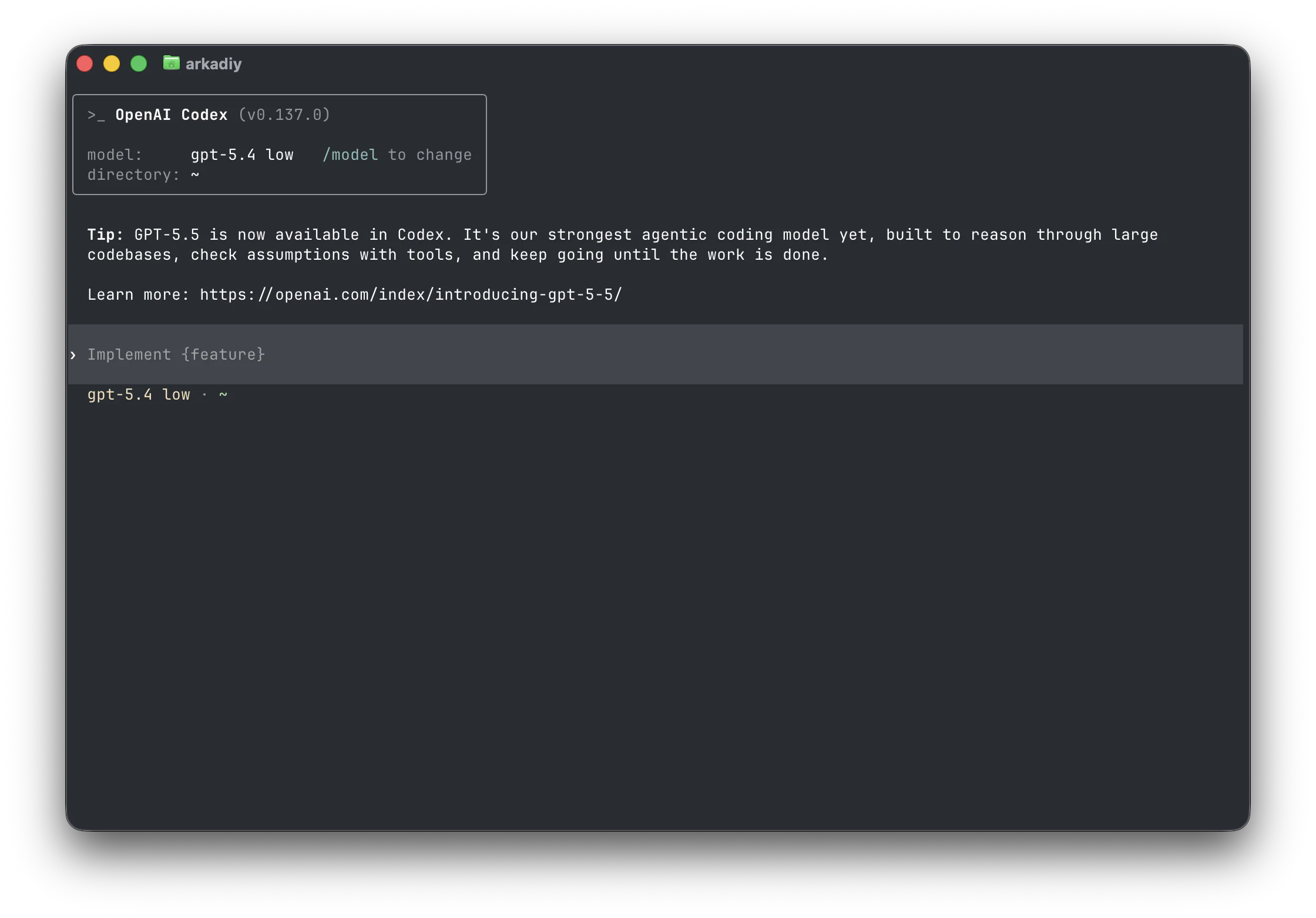
Codex CLI (best for OpenAI-centric workflows)
Best for
- Developers already using ChatGPT Plus, Pro, Business, Edu, or Enterprise.
- Teams that want an OpenAI-centered terminal coding workflow.
- Developers who prefer an open-source CLI but expect GPT models to be the default.
Overview
Codex CLI is OpenAI's open-source terminal coding agent. It fits developers who want an OpenAI-centric coding workflow, ChatGPT plan alignment, or direct API-key usage from the command line.
As a CLI AI tool, it is strongest when your team already chooses GPT models by default. It can be configured for more than OpenAI-only usage, but its natural center of gravity is the OpenAI ecosystem.
Key strengths
- Open-source CLI backed by OpenAI's coding model ecosystem.
- Convenient fit for ChatGPT Plus, Pro, Business, Edu, and Enterprise users.
- API-key setup for terminal workflows.
Limitations
- Less model-agnostic by default than Kilo CLI or OpenCode.
- Best value depends heavily on whether your team already uses OpenAI plans or APIs.
Pricing
Codex CLI is included in eligible ChatGPT plans and can also be used with API-key access. Confirm current plan coverage with OpenAI.
Gemini CLI and Antigravity CLI (best for Google AI workflows)
Best for
- Google AI users deciding whether to keep using Gemini CLI or move to Antigravity CLI.
- Developers who want Gemini models from the command line but need to track Google's CLI migration path.
- Teams already using Google accounts, Gemini API access, or Google developer tooling.
Overview
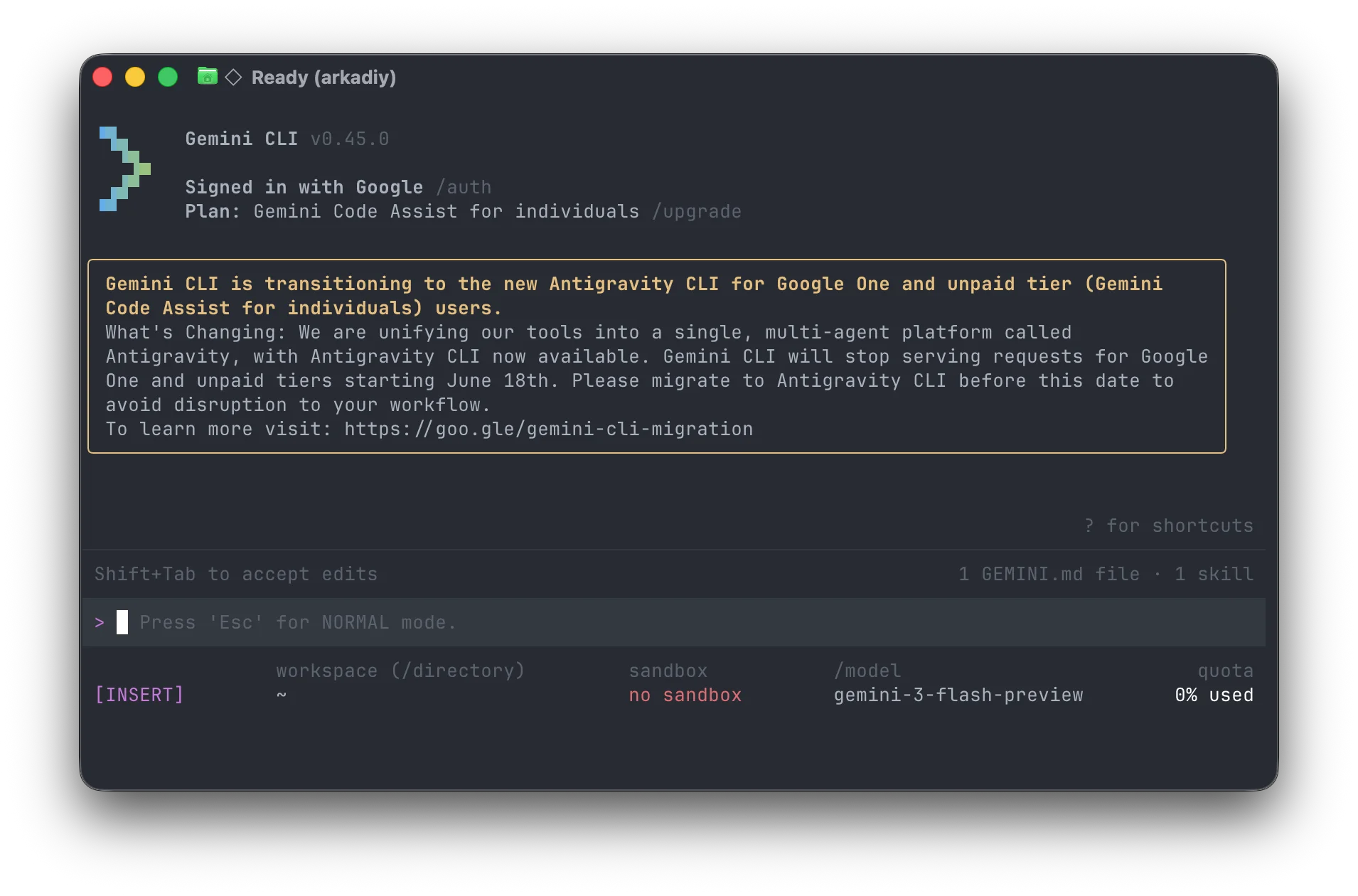
Gemini CLI is Google's current open-source terminal coding agent for developers who want Gemini models, long-context workflows, and Google account/API integration from the shell. It is useful today, but it should be evaluated as a transitional Google CLI rather than a settled long-term tool.
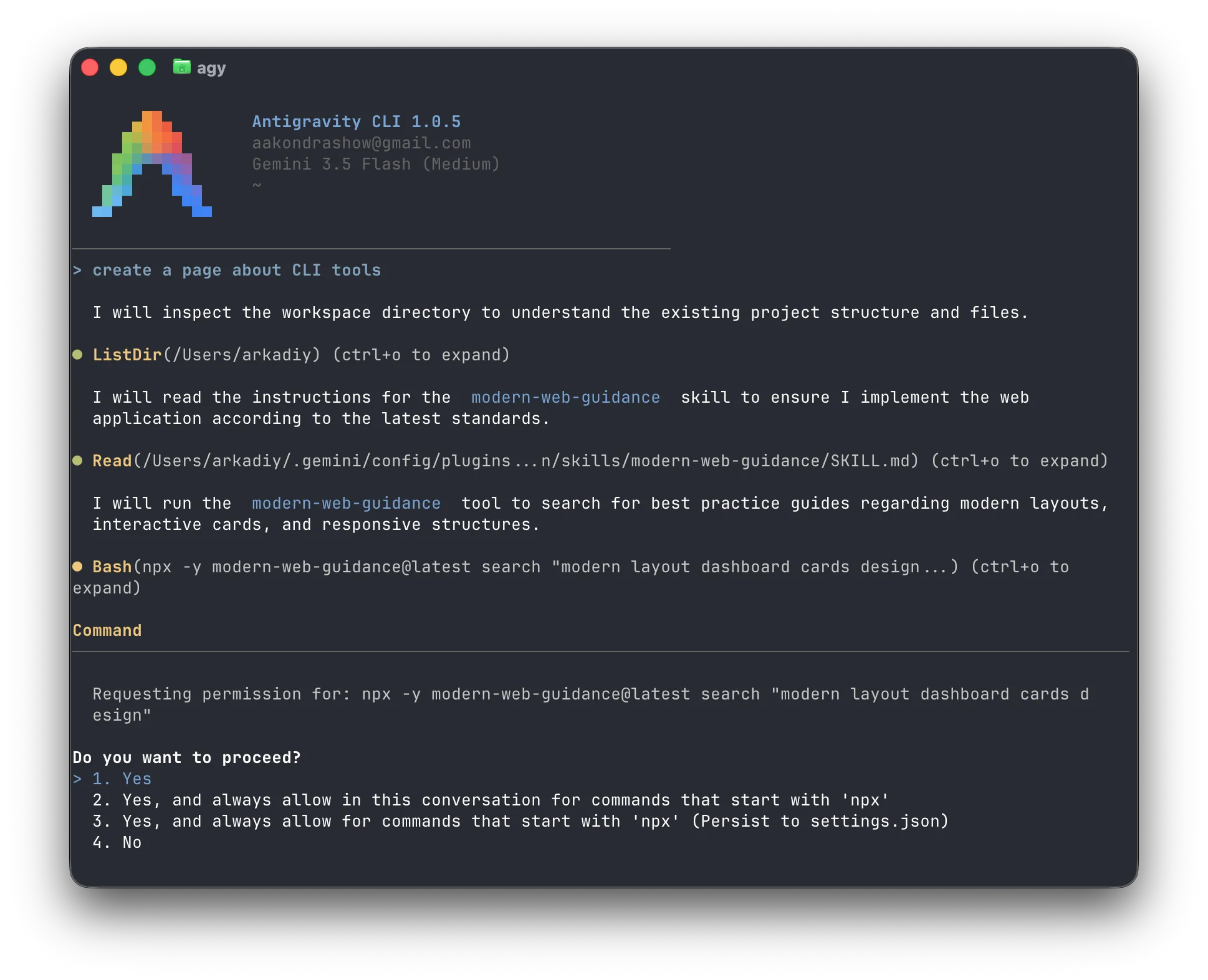
Google notes that unpaid-tier Gemini CLI users will transition to Antigravity CLI. That makes Antigravity the more important comparison point for buyers choosing a Google-native CLI AI tool now: Gemini CLI represents the current open-source Gemini terminal workflow, while Antigravity CLI appears to be the forward path for Google's free/unpaid CLI experience.
This is also the familiar Google product-risk pattern: developers can build muscle memory, scripts, and team workflows around a Google tool, then have the product direction change underneath them. Even if Antigravity CLI becomes the better tool, the migration still disrupts users who already adopted Gemini CLI.
Compared with model-neutral tools like Kilo CLI, both Gemini CLI and Antigravity CLI are ecosystem-specific. Choose them when the main requirement is Google model access and Google-native UX. Choose a model-agnostic CLI when you need provider switching, BYOK across many model families, local models, or one agent layer across terminal, IDE, cloud, GitHub, and Slack workflows.
Key strengths
- Gemini CLI is an official Google CLI for Gemini-powered terminal coding.
- Antigravity CLI is the forward-looking Google CLI path for unpaid-tier Gemini CLI users.
- Strong long-context positioning for large repositories and analysis tasks.
- Natural fit for teams already standardized on Google AI.
Limitations
- Model choice centers on Gemini rather than broad provider neutrality.
- The Gemini CLI to Antigravity CLI transition creates planning risk for teams choosing a Google CLI today.
- The migration fits Google's broader reputation for sunsetting or redirecting products after users have already built workflows around them.
- Antigravity CLI access terms and feature parity should be confirmed before rollout.
Pricing
Gemini CLI usage depends on Google account and API access. Because Google notes an unpaid-tier transition to Antigravity CLI, teams should confirm which users remain eligible for Gemini CLI, which users move to Antigravity CLI, and whether quotas, billing, and governance differ between the two.
Grok Build (best for xAI Grok workflows)
Best for
- Developers specifically evaluating xAI's official Grok-powered coding CLI.
- Teams that have already chosen Grok as the target model family.
Overview
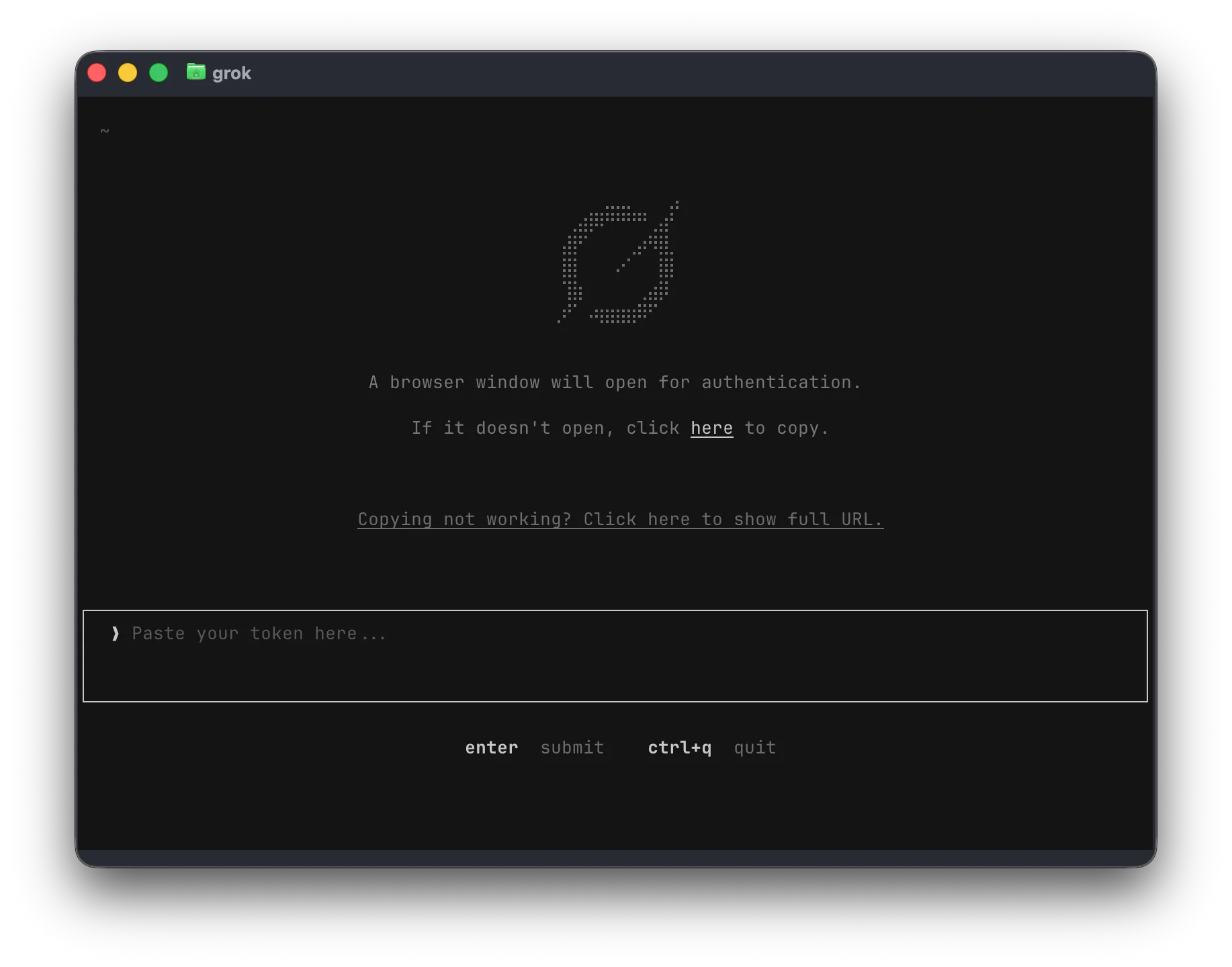
Grok Build is xAI's official Grok-powered coding CLI. It is the relevant tool for developers searching for an xAI or Grok terminal coding agent.
Compared with model-neutral CLI AI tools, Grok Build is narrower by design. Choose it when the goal is to use xAI's coding stack specifically, not when the goal is broad provider choice, local models, or open-source inspectability.
Key strengths
- Official xAI CLI for Grok-powered coding workflows.
- Clear fit for teams explicitly evaluating Grok models for software development.
Limitations
- Not open source.
- Limited model choice compared with model-agnostic CLI agents.
- Current access and pricing should be confirmed directly with xAI.
Pricing
Grok Build access and pricing depend on xAI's current account and product terms.
Qwen Code (best for Qwen-first terminal workflows)
Best for
- Developers who want Qwen-optimized terminal coding workflows.
- Teams already using Alibaba Cloud or Qwen models.
- Developers who want an open-source CLI with provider configuration beyond one endpoint.
Overview
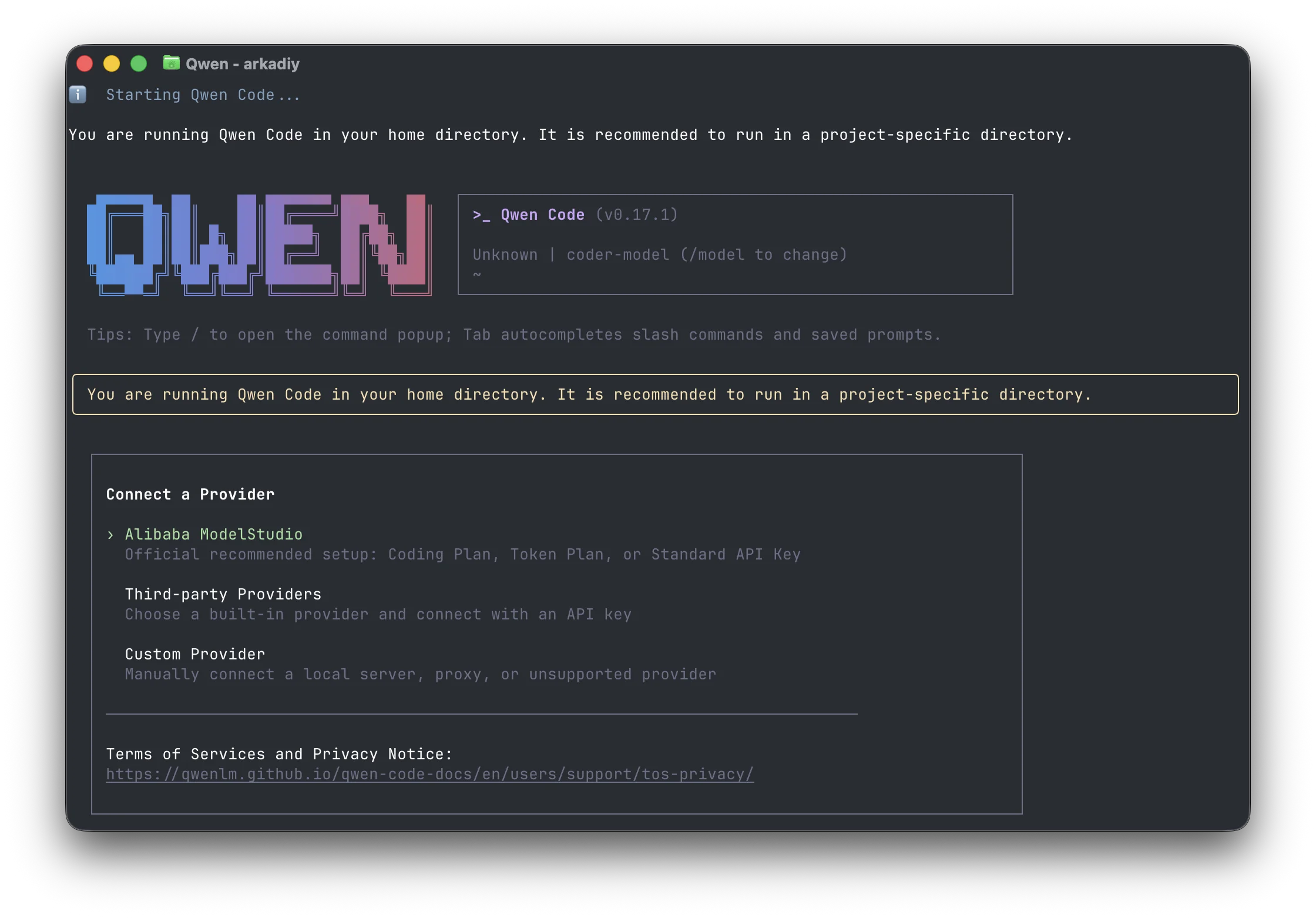
Qwen Code is Alibaba's Qwen-optimized terminal coding agent. It is useful for developers who want a Qwen-first workflow but still care about provider configuration and OpenAI-compatible endpoints.
It is more flexible than a purely closed vendor CLI, but its best fit is still Qwen-centered teams. The discontinued OAuth free tier also makes current access terms more important for buyers comparing free CLI AI tools.
Key strengths
- Open-source terminal coding agent with Qwen-first defaults.
- Supports Qwen, OpenAI-compatible, Anthropic, Gemini, and local OpenAI-compatible endpoints.
- Good fit for developers already using Alibaba Cloud or Qwen models.
Limitations
- Qwen OAuth free tier was discontinued, so practical free usage is more limited.
- Less broadly platform-integrated than Kilo CLI.
Pricing
Qwen Code now requires Alibaba Cloud Coding Plan or API-key access for practical use. Confirm current provider terms before rollout.
Which CLI AI tool should you choose?
By primary use case
- Daily terminal coding with model flexibility: Kilo CLI. Use hosted models, BYOK, or local models from one open-source agent.
- Terminal-first open-source TUI: OpenCode. Best when you want a dedicated shell workflow and direct provider-key setup.
- Claude-native coding: Claude Code. Best when Anthropic is already the default model provider.
- OpenAI-native coding: Codex CLI. Best for teams already using ChatGPT plans or OpenAI APIs.
- Google, Grok, or Qwen-first workflows: Antigravity CLI or Gemini CLI for Google, Grok Build for xAI, or Qwen Code for Qwen respectively.
By budget
- Free / BYOK only: Kilo CLI, OpenCode, Codex CLI, Gemini CLI, and Qwen Code all have open-source or free-access paths, but provider and API costs vary.
- Predictable team controls: Kilo Code Teams adds centralized billing, usage analytics, and shared BYOK across the broader Kilo platform.
- Lowest variable cost: Choose tools with BYOK, local model support, or no token markup so routine terminal work does not get trapped in opaque credit systems.
By governance
- Open-source auditability: Kilo CLI, OpenCode, Codex CLI, Gemini CLI, and Qwen Code.
- Local or private model workflows: Kilo CLI, OpenCode, and Qwen Code are the strongest fits in this list.
- Enterprise surface coverage: Kilo CLI is strongest when terminal workflows need to connect with IDEs, cloud agents, GitHub, Slack, billing, analytics, and security controls.
Conclusion
The CLI AI market has matured quickly. The best tools now do more than answer prompts: they reason through repositories, edit files, run commands, and iterate like a terminal teammate. The main decision is whether you want a vendor-native agent or a model-neutral coding platform.
Kilo CLI is the strongest default for developers and teams who want openness, broad model choice, BYOK economics, local model support, and one agent layer that extends beyond the terminal. Vendor CLIs remain strong when your team has already made a firm Claude, OpenAI, Gemini, Grok, or Qwen commitment.
Teams not yet using a terminal coding agent can get started with Kilo CLI for free.
Frequently asked questions
What is the best CLI AI tool?
The best CLI AI tool depends on your model ecosystem and control requirements. Claude Code is best for Claude-native workflows, Codex CLI is best for OpenAI-centric workflows, Gemini CLI is best for Google Gemini users, Qwen Code is best for Qwen-first workflows with API-key setup, OpenCode is best for an open-source terminal-first workflow, and Kilo CLI is best when you want a configurable open-source CLI connected to a broader platform across IDEs, cloud agents, GitHub, Slack, Kilo Gateway, BYOK, and local/offline models.
What are the best CLI AI tools for coding?
The strongest CLI AI tools for coding in 2026 are Kilo CLI, OpenCode, Claude Code, Codex CLI, Gemini CLI, Grok Build, and Qwen Code. Kilo CLI is the most model-flexible and platform-connected option; OpenCode is the strongest terminal-first open-source workflow; vendor CLIs are best when your team has already standardized on Claude, OpenAI, Gemini, Grok, or Qwen.
Is there a free CLI coding agent?
Yes. Kilo CLI is free for individual use and includes free AI model options for terminal coding. Gemini CLI has historically offered free-tier access through Google accounts, but Google now notes an unpaid-tier transition to Antigravity CLI. Qwen Code docs say Qwen OAuth free tier was discontinued on 2026-04-15, so Qwen Code now requires Alibaba Cloud Coding Plan or API-key access.
What is the best open-source CLI coding agent?
For maximum platform coverage, Kilo CLI is a strong open-source choice because it is auditable and connects terminal work to Kilo Gateway model routing, BYOK, local/offline model support, IDE integrations, cloud agents, GitHub code review, Slack workflows, and team-ready controls. OpenCode, Codex CLI, Gemini CLI, Qwen Code, and Aider are also important open-source tools depending on which model ecosystem and workflow you prefer.
Which Claude Code alternative supports BYOK?
Kilo CLI supports bring-your-own-key workflows across providers including Anthropic, OpenAI, Google, and local runtimes. It also supports hosted model access through Kilo Gateway, so it is useful when you want Claude models without committing every workflow to a single-vendor CLI.
What is Grok Build?
Grok Build is xAI's official Grok-powered coding CLI at x.ai/cli. It is the correct product name to use for xAI CLI intent, rather than generic phrases like Grok CLI.
What is agentic terminal coding?
Agentic terminal coding means using an AI agent from the command line to inspect a repository, plan changes, edit files, run commands, observe failures, and iterate. It is different from autocomplete because the agent can complete multi-step tasks inside your development environment.